
Setting Up a Local AEM SDK Dev Environment
Series: AEM Foundations — Part 3
Before you can build components, write Sling Models, or test anything discussed in this series, you need a working local AEM environment. This post walks through getting AEM as a Cloud Service SDK running on your machine.
Prerequisites
Make sure you have these installed before starting:
- Java Development Kit (JDK) — AEM as a Cloud Service SDK currently requires a specific supported JDK version (check Adobe's release notes for the exact version, as this changes between SDK releases)
- Apache Maven — for building and deploying your project code
- An IDE — IntelliJ IDEA or Eclipse (with AEM-specific plugins) are both common choices
- Adobe I/O access — you'll need an Adobe account with access to the Software Distribution portal to download the SDK
Step 1: Download the AEM SDK
- Log in to the Adobe Software Distribution portal
- Locate AEM as a Cloud Service SDK
- Download the latest QuickStart JAR
Adobe ships new SDK versions frequently, so it's worth checking for the latest release rather than reusing an old download, especially if you're following along with current documentation.
Step 2: Run the Author Instance
Create a dedicated folder for your local setup, place the SDK jar inside it, then run:
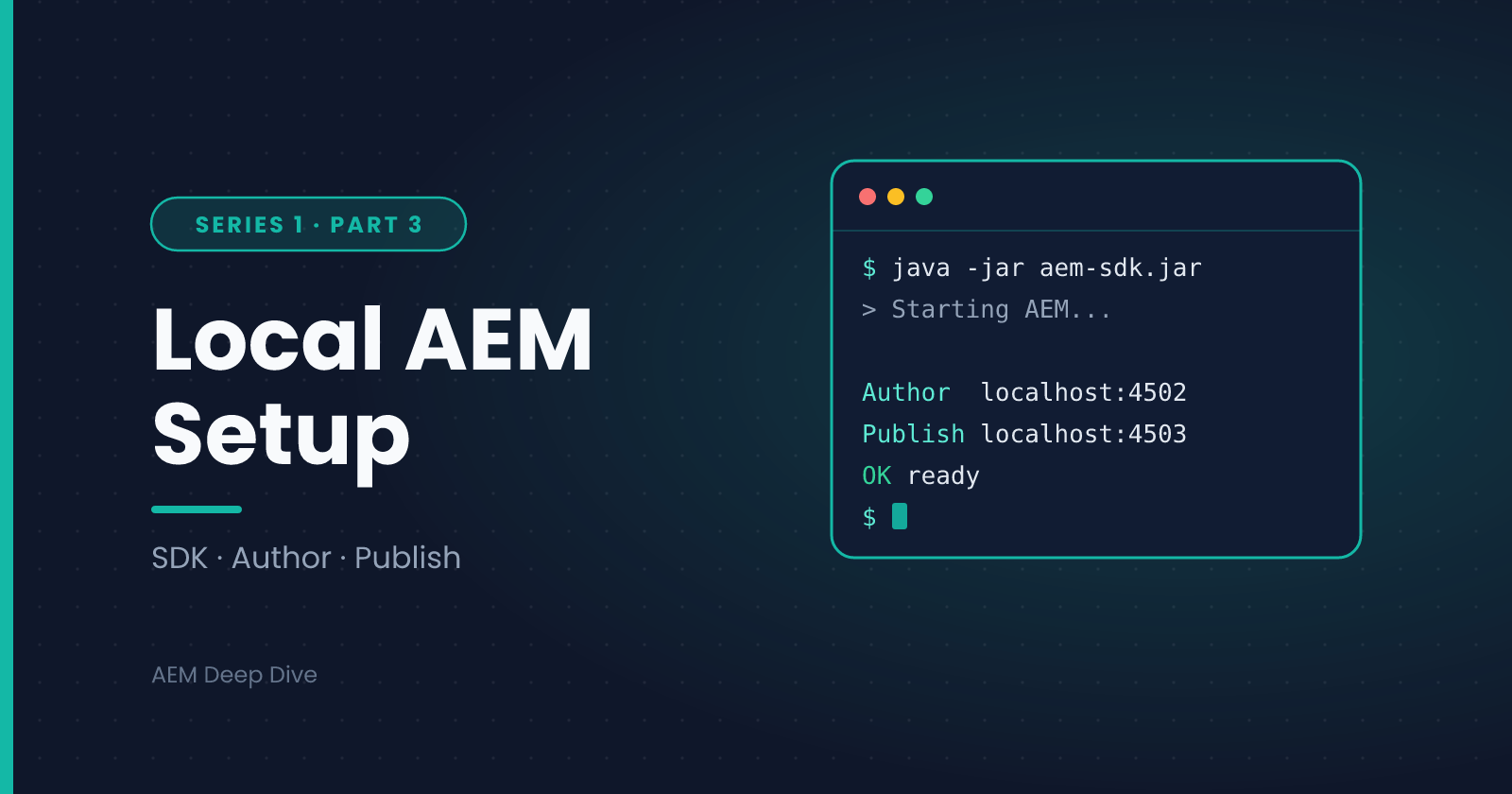
java -jar aem-sdk-quickstart-*.jar
By default, this starts an Author instance on port 4502. The first run will take a few minutes as AEM unpacks and initializes its repository. Once it's up, you can log in at:
http://localhost:4502
Default credentials are admin / admin — change this immediately in any environment beyond your personal sandbox.
Step 3: Run the Publish Instance
To run a Publish instance alongside Author, start the jar with the publish run mode and a different port:
java -jar aem-sdk-quickstart-*.jar -r publish -p 4503
This lets you test the full Author → Publish flow locally, including replication, without needing a second machine.
Step 4: Set Up Your Project Structure
Rather than building a project from scratch, Adobe provides an archetype — a Maven template that scaffolds a standard AEM project structure for you:
mvn -B org.apache.maven.plugins:maven-archetype-plugin:3.2.1:generate \
  -D archetypeGroupId=com.adobe.aem \
  -D archetypeArtifactId=aem-project-archetype \
  -D archetypeVersion=<latest-version> \
  -D appTitle="My AEM Project" \
  -D appId="myproject" \
  -D groupId="com.mycompany.myproject"
This generates a multi-module Maven project (core, ui.apps, ui.content, ui.config, and more) that follows Adobe's recommended conventions — we'll break this structure down in detail in the next post.
Step 5: Build and Deploy Your Project
From your generated project's root directory, deploy everything to your local Author instance with:
mvn clean install -PautoInstallSinglePackage
If this completes without errors, your custom project code (even if it's just the archetype's sample content at this point) is now live on your local AEM instance.
Common First-Time Issues
A few things that trip up almost everyone on their first setup:
- Port conflicts — if 4502 or 4503 are already in use, specify a different port with
-p <port>when starting the jar - Insufficient memory — AEM is resource-hungry; make sure your machine has enough RAM allocated, and consider increasing JVM heap size if you see out-of-memory errors during startup
- JDK version mismatches — using an unsupported JDK version is one of the most common causes of startup failures; always check the SDK release notes for the required version
- Maven build failures — usually caused by an outdated archetype version or a misconfigured
settings.xmlfor Maven repositories
What's Next
With a working local environment, you're ready to understand what's actually happening under the hood when AEM processes a request. The next post covers Apache Sling — the framework AEM is built on — and how resource resolution and the request lifecycle work.
Next in this series: [Understanding Sling: Resource Resolution & Request Lifecycle]
About the author
- AEM Technical Lead experienced with building and architecting solutions on AEM Sites and Assets. Sharing practical tutorials, real-world implementation lessons, and best practices to help fellow developers and leads navigate AEM.
Comments
Join the discussionHit a snag during setup? Paste your error message below along with your Java version and operating system, and I'll help you narrow it down. Please remove any passwords or tokens first. Also curious: do you run Author and Publish side by side, or just Author?
AEM Foundations
"Start here. Core AEM concepts, architecture, and dev environment setup explained clearly for anyone new to Adobe Experience Manager."