Migrating to AEM as a Cloud Service: Lessons Learned
Series: Advanced AEM & Career — Part 4
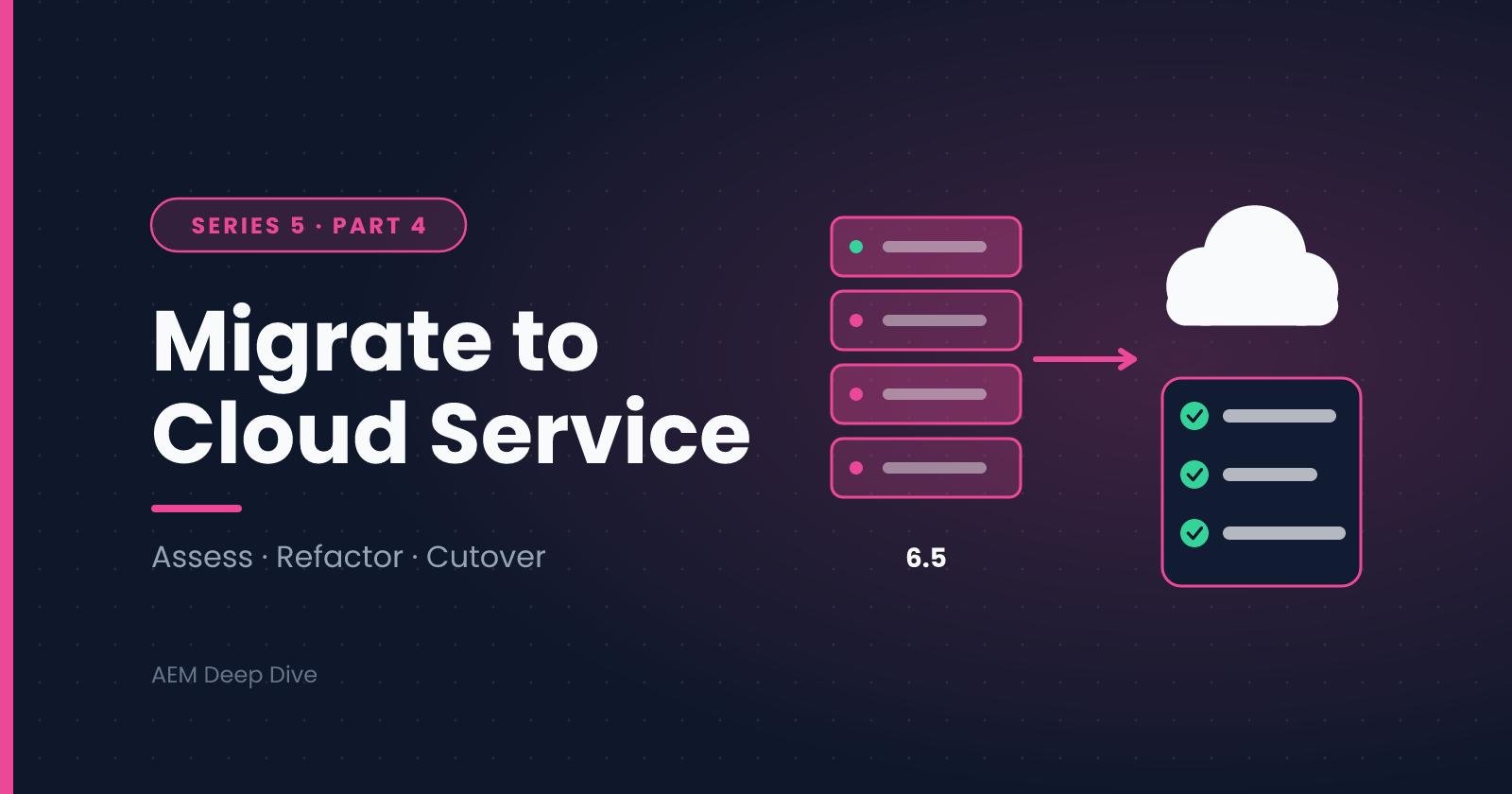
In the Architecture series we compared AEM 6.5 with AEM as a Cloud Service and listed the migration tools. This post is the practical companion: how a migration actually unfolds, where teams lose time, and what to do early to avoid it. It's organized around the phases of a typical project.
The Big Picture
A Cloud Service migration is really four migrations at once:
| Track | What changes |
|---|---|
| Code | Repository structure, APIs and anything that assumed a mutable /apps or replication agents |
| Configuration | OSGi config by run mode, environment variables, Dispatcher, indexes |
| Content | Pages, assets, users and groups moved into the cloud repository |
| Operations and people | Pipelines, logging, access, release process and author training |
Teams that treat it as "just move the content" run late. Teams that treat it as a platform change with four coordinated tracks tend to deliver on time.
Phase 1: Assess
Run the Best Practices Analyzer (BPA) early, before you commit to a timeline. It scans your 6.5 instance and reports patterns that won't work on Cloud Service. The report drives your estimate far better than guesswork.
What to do with the findings:
- Group them by effort: quick fixes, moderate refactors, redesigns
- Find the redesigns first. One or two of these (a custom replication-based integration, for example) can dominate the schedule
- Inventory integrations: every system that calls AEM or that AEM calls
- Inventory custom code and third-party packages: check each for Cloud Service compatibility
- Measure the content: size of the repository, number of assets, versions, and how much of it is genuinely needed
Use Cloud Acceleration Manager to track the work and BPA results in one place.
Lesson: Clean Before You Move
Content you don't need costs time, storage and transfer effort. Before migration:
- Purge old versions and audit logs according to your retention policy
- Remove unused assets, abandoned sites and test content
- Decide what you will not migrate, and get that agreed in writing
Phase 2: Modernize the Code
Restructure the Repository
Cloud Service separates immutable content (/apps, /libs) from mutable content (/content, /conf, /home and others). Use the Repository Modernizer to restructure your project into packages that respect this split, then review its output instead of trusting it blindly.
Common problems it surfaces:
- Code that writes to
/appsat runtime. This now has to move to a mutable location or be redesigned - Packages that mix immutable and mutable content
- Hard-coded paths that assume the old layout
- Repoinit needs: users, service users, ACLs and base folder structures should become repoinit scripts
Move to the AEM SDK API
Replace the full AEM uber-jar dependency with the AEM SDK API, which exposes only the supported APIs. Compile errors here are useful: they tell you exactly what to replace.
Refactor the Usual Suspects
| Pattern on 6.5 | What to do on Cloud Service |
|---|---|
| Replication agents (custom or modified) | Rely on built-in distribution, and refactor code that configured or inspected agents |
| Reverse replication | Redesign. It's not initially supported, so write user-generated content to an external service instead |
| Workflow launchers for asset processing | Use processing profiles, plus a post-processing workflow configured on the folder |
| Custom DAM Update Asset steps | Move binary work to Asset Compute workers, and metadata or business logic to the post-processing workflow |
| Admin sessions | Replace with service users and subservice mappings |
| Scheduled tasks | Review for multi-instance behavior, since Cloud Service runs several instances and a naive scheduler can execute the same job more than once |
| Files written to the local file system | Not durable. Use the repository or an external store |
| Hand-edited OSGi configs on the server | Move into code as .cfg.json files per run mode |
| Oak indexes | Convert with the Index Converter and ship as code |
Lesson: Do the Refactoring on 6.5 First Where You Can
Many changes (service users, the SDK API, restructuring, cleaning up scheduled jobs) can be done while you are still on 6.5, then deployed there and tested. That shrinks the final cutover to "move and verify" rather than "change everything at once."
Phase 3: Configuration and Dispatcher
Dispatcher
Use the Dispatcher Converter for a first pass, then:
- Validate with the SDK validator, in your CI build, not just on a developer machine
- Test locally in Docker
- Expect to rework filters, rewrites and virtual hosts, because the cloud configuration is more prescriptive
- Remember the immutable files you can't change
- Review cache rules and TTLs for the CDN that now sits in front
Environment Configuration
- Move environment-specific values into Cloud Manager environment variables and secrets
- Use run modes (
author,publish, and environment types) for config that differs - Review integration credentials. Nothing sensitive should be committed to the repository
Networking and Integrations
Third-party systems often depend on fixed IP addresses or network paths. On Cloud Service, outbound traffic doesn't come from a single known server, so if a downstream system allows only specific IPs, look into Adobe's advanced networking options early, since provisioning takes lead time. Also review:
- CORS policies for front-end applications
- SMTP/email configuration for any outbound mail
- Inbound access for external systems that call Author or Publish APIs
Identity and Access
User management moves to Adobe IMS: users and groups come from the Admin Console, and single sign-on is configured through your identity provider. Plan the group structure carefully, because it replaces locally managed users and permissions in many cases. Review any custom authentication handlers.
Phase 4: Content Migration
The Content Transfer Tool (CTT) moves content in two stages:
- Extraction: content is read from the source repository into a staging container
- Ingestion: content is loaded into the target cloud environment
How It Usually Goes
- Plan multiple passes. A first full transfer, then top-up transfers that bring only the differences. This keeps the final window short
- Large binary stores (very large DAMs) can take a long time to move, so start early and consider the pre-copy options Adobe documents for blob data
- Validate after every pass: counts of pages and assets, spot-checks of key sections, permission checks and reference integrity
- Fix problems at the source where possible, then re-run the top-up
- Reprocess assets after ingestion where needed, since Cloud Service generates renditions through processing profiles, and old renditions may not match your new profiles
Lesson: Rehearse the Cutover
Run the complete content move at least once in a non-production environment, with timing. The first rehearsal almost always finds surprises (a missing permission, a slow stage, a broken reference), and you want them in rehearsal, not on cutover night.
Phase 5: Pipelines, Testing and Operations
Set Up Cloud Manager Early
Pipelines are the only supported route to deploy code to Stage and Production, so get them working while development is still happening:
- Code quality gates will fail builds that contain critical issues. Run the scans on your codebase early, so you aren't discovering hundreds of findings the week before launch
- Create separate pipelines for dev and stage/production
- Establish branching and release rules that fit the pipeline model
Testing
| Test type | Why it matters on migration |
|---|---|
| Functional regression | Confirms authoring, publishing and rendering behave as before |
| Integration | Verifies every inventoried integration, including failure paths |
| Performance | Compare against your 6.5 baseline, with the CDN and Dispatcher configured as in production |
| Security | Re-check filters, access control and headers on the new stack |
| Authoring UAT | Real authors run their real tasks |
Take a performance baseline on 6.5 before you start, otherwise you can't prove (or disprove) that the new platform performs as well.
Operations
- Configure log forwarding to your logging platform, and set up alerts
- Learn the Developer Console and how to download logs, since server access no longer exists
- Document how to run incident response without SSH, including who contacts Adobe and when
Phase 6: Cutover and After
The Cutover Plan
A typical cutover sequence:
- Announce the content freeze well in advance
- Run the final top-up content transfer
- Validate content, permissions and critical journeys
- Finalize DNS and CDN changes, with reduced TTLs set in advance so the switch propagates quickly
- Smoke-test the live site and key integrations
- Monitor closely for a defined period, with named people on call
- Keep the old environment available for a rollback window, then decommission on a schedule
After Go-Live
- Review performance and cache behavior with real traffic
- Run author training, covering what's different (for example, publishing behavior and asset processing)
- Capture lessons learned and update runbooks
- Plan for continuous updates: Cloud Service updates arrive regularly, so keep a lightweight regression suite and watch the release notes
A Sample Timeline
Every project differs, but a mid-size migration often looks like this:
| Phase | Typical share of effort |
|---|---|
| Assess and plan | 10 percent |
| Code modernization and refactoring | 30 to 35 percent |
| Configuration, Dispatcher, integrations | 15 to 20 percent |
| Content migration and validation | 15 to 20 percent |
| Testing, pipelines, performance | 15 to 20 percent |
| Cutover and stabilization | 5 percent |
Treat these as rough proportions to sanity-check a plan, not as a promise.
Top Lessons, Summarized
- Run BPA first and let it shape the estimate
- Find the redesign items early. They, not the volume of work, set the schedule
- Clean the content before you move it
- Do as much refactoring on 6.5 as you can before the cutover
- Validate Dispatcher in CI and test with the real CDN behavior
- Plan networking and identity early, because they depend on other teams and lead times
- Move content in passes and rehearse the cutover
- Get pipelines and quality gates working early
- Baseline performance on 6.5 so you can compare fairly
- Train authors and operations, because the platform feels different even when the editor looks the same
Series Wrap-Up
That completes Advanced AEM & Career, and with it the five-series AEM learning path on this blog. You've now covered:
- Foundations: what AEM is, its architecture, Sling and project structure
- Core Development: components, HTL, Sling Models, dialogs and content fragments
- Assets: workflows, Smart Tags, DAM design and Asset Compute
- Architecture and Operations: Dispatcher, replication, Cloud Service and performance
- Advanced topics and career: headless GraphQL, Edge Delivery Services, interview preparation and migration
From here, the best next step is to build something real: a small headless front end, an Edge Delivery Services site, or a migration rehearsal of a sample project. Then write about it, because the posts that help other developers the most are the ones that start from a real problem you solved.
About the author
- AEM Technical Lead experienced with building and architecting solutions on AEM Sites and Assets. Sharing practical tutorials, real-world implementation lessons, and best practices to help fellow developers and leads navigate AEM.
Comments
Join the discussionIf you've migrated to Cloud Service, what's the one thing you wish you'd known sooner? And if you're planning a migration, what worries you most?
Advanced AEM & Career
"Headless AEM, Edge Delivery Services, and career growth — for developers ready to go beyond the basics."