
Securing Custom Servlets and APIs
Series: AEM Backend Advanced — Part 6
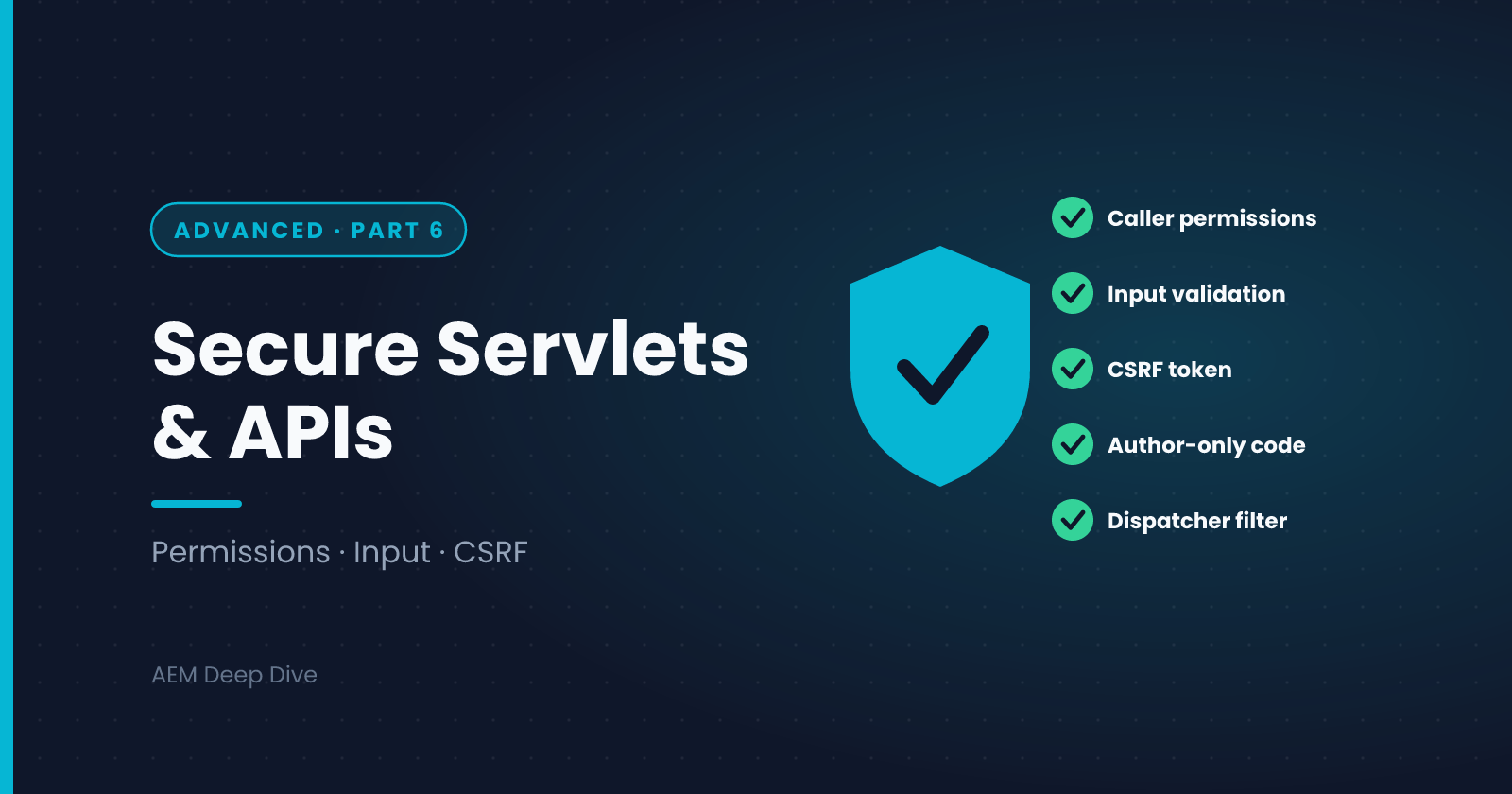
Every servlet you write is a door into your system. Some doors are meant for the public, some for authors only, and some should not exist on Publish at all. Most AEM security problems in custom code come from a handful of repeating mistakes: trusting input, using more access than the caller has, and exposing Author functions on Publish. This post gives you a practical checklist, with notes for AEM as a Cloud Service and where 6.5 differs.
Think in Layers
No single control is enough. A request to your servlet passes several layers, and each should do its job:
| Layer | Role |
|---|---|
| CDN | Edge protection, TLS and traffic rules |
| Dispatcher | Allows only the paths, methods, selectors and extensions you list |
| Sling and JCR | Authentication and permissions on the requested resource |
| Your code | Input validation, authorization decisions, safe output |
Your code is the last layer, and the one nobody else can write for you.
1. Authorize with the Caller's Permissions
The safest default is to use the request's resource resolver, which carries the current user's permissions:
ResourceResolver resolver = request.getResourceResolver();
Resource resource = resolver.getResource(path);
if (resource == null) {
    response.sendError(SlingHttpServletResponse.SC_NOT_FOUND);
    return;
}
If the user can't read a path, the resolver returns null, and you've given nothing away.
When you switch to a service user (see the service users post in Essentials), you bypass the caller's permissions: the service user can see more than the visitor. You are then responsible for the access decision:
- Decide who may trigger the operation, for example check
request.getUserPrincipal()or group membership - Restrict the service user to the minimum paths
- Never return data from the service user's view unless you've decided the caller may have it
2. Validate Every Input
Treat all request data as hostile: parameters, headers, the body, selectors and the path suffix.
String id = request.getParameter("id");
if (id == null || !id.matches("[A-Za-z0-9_-]{1,40}")) {
    response.sendError(SlingHttpServletResponse.SC_BAD_REQUEST, "Invalid id");
    return;
}
- Allow-list what's valid, don't try to block what's bad
- Limit length and size, including uploads
- Don't build paths from input. If you must, resolve the resource and check that its path starts with the folder you expect:
Resource resource = resolver.getResource("/content/myproject/data/" + id);
if (resource == null || !resource.getPath().startsWith("/content/myproject/data/")) {
    response.sendError(SlingHttpServletResponse.SC_NOT_FOUND);
    return;
}
- Use bind variables in queries. Never concatenate user input into a JCR-SQL2 or QueryBuilder string
3. Produce Safe Output
- Set the right content type and
X-Content-Type-Options: nosniff - Escape data you put into HTML. In HTL this happens by default, but a servlet writing HTML itself must do it
- Return JSON for APIs, and build it with a library rather than by concatenating strings
- Don't return stack traces or internal paths. Send a short, generic message and log the details on the server
4. Protect Requests that Change Data
- Accept changes only through POST (or PUT and DELETE), never GET
- On Author, AEM's CSRF protection requires a valid token on authenticated POST requests. Your front end must fetch a token before it posts
- Check who is calling, not just that they're logged in
- Make operations idempotent where you can, so a repeated request doesn't cause damage
5. Keep Author-Only Code Off Publish
Some code should never answer a public request: an admin tool, an import trigger, a reporting servlet. The cleanest way is to make the component exist only on Author. Require a configuration, and supply it only in the Author run mode:
@Component(
    service = Servlet.class,
    configurationPolicy = ConfigurationPolicy.REQUIRE)
@SlingServletResourceTypes(resourceTypes = "myproject/components/admin-tool", methods = "POST")
public class AdminImportServlet extends SlingAllMethodsServlet { ... }
With configurationPolicy = REQUIRE, the servlet is active only where a configuration for it exists. Put a small config file in config.author/ and none in config.publish/. The servlet is then present on Author and absent on Publish, which is much safer than relying on the Dispatcher alone.
Also add a Dispatcher filter that doesn't allow the path, as a second layer.
6. Log Safely, and Rate-Limit
- Never log passwords, tokens, full request bodies or personal data
- Log security-relevant events (denied access, invalid input patterns) at WARN, without sensitive values
- Consider rate limiting for expensive or sensitive endpoints. On Cloud Service the CDN offers traffic filtering rules, which you configure in your project. Check what's available for your license and program
7. Don't Forget the Basics
- Keep dependencies up to date. A vulnerable library in your bundle is your problem
- Don't put secrets in code or in configuration committed to Git. Use environment variables
- Remember that anything on Publish is public unless you protect it
- Review new servlets and filters in code review with this checklist in hand
Security Review Checklist
Before you deploy a new servlet or API, answer these:
- Is it registered by resource type, not by path?
- Does it respond only to the methods it needs?
- Which resolver does it use, and does that match who is allowed to call it?
- Is every input validated with an allow-list?
- Does it only exist where it should (Author vs Publish)?
- Does the Dispatcher allow only what's needed?
- Does the response have the right content type, with no internal details?
- Does it log safely, with no secrets?
- Is there a test for a bad input and for a denied user?
AEM as a Cloud Service vs 6.5
| Topic | AEM 6.5 | AEM as a Cloud Service |
|---|---|---|
| Servlet registration | Path-bound servlets common in older code | Resource types. The quality check flags path-bound servlets |
| Author-only code | Run modes and the Dispatcher | Run-mode configuration policy, Dispatcher rules, and CDN controls |
| Edge protection | Your own CDN or web server rules | CDN included, with configurable traffic rules |
| Security patches | You apply service packs | Applied by Adobe, so your code must keep working with them |
| Secrets | Often stored in the repository | Secret environment variables |
| Review | Manual | Manual plus automated quality gates |
Common Pitfalls
- A service user used "to make it work". It hides a permission problem and opens a security hole
- A debug or admin servlet left deployed everywhere
- Trusting hidden form fields or headers. They're client-controlled
- Error messages that reveal internals
- A servlet reachable on Publish that nobody realized was public
What's Next
Quality gates came up several times in this series. The next post pulls those rules together into one list: Cloud-ready backend code, what Cloud Manager checks, and the patterns that cause trouble when moving from 6.5.
Next in this series: [Cloud-Ready Backend Code: Quality Gates and Common Pitfalls]
About the author
- AEM Technical Lead experienced with building and architecting solutions on AEM Sites and Assets. Sharing practical tutorials, real-world implementation lessons, and best practices to help fellow developers and leads navigate AEM.
Comments
Join the discussionWhich item on the security checklist do you find most often missing in code reviews? Is there anything you'd add to it?
AEM Backend Advanced
Factory configurations, filters and listeners, jobs, workflows, integrations, security and Cloud-ready code for AEM as a Cloud Service, with 6.5 differences.