
HTL Block Statements: The Complete data-sly-* Reference
Series: AEM Core Development — Part 2
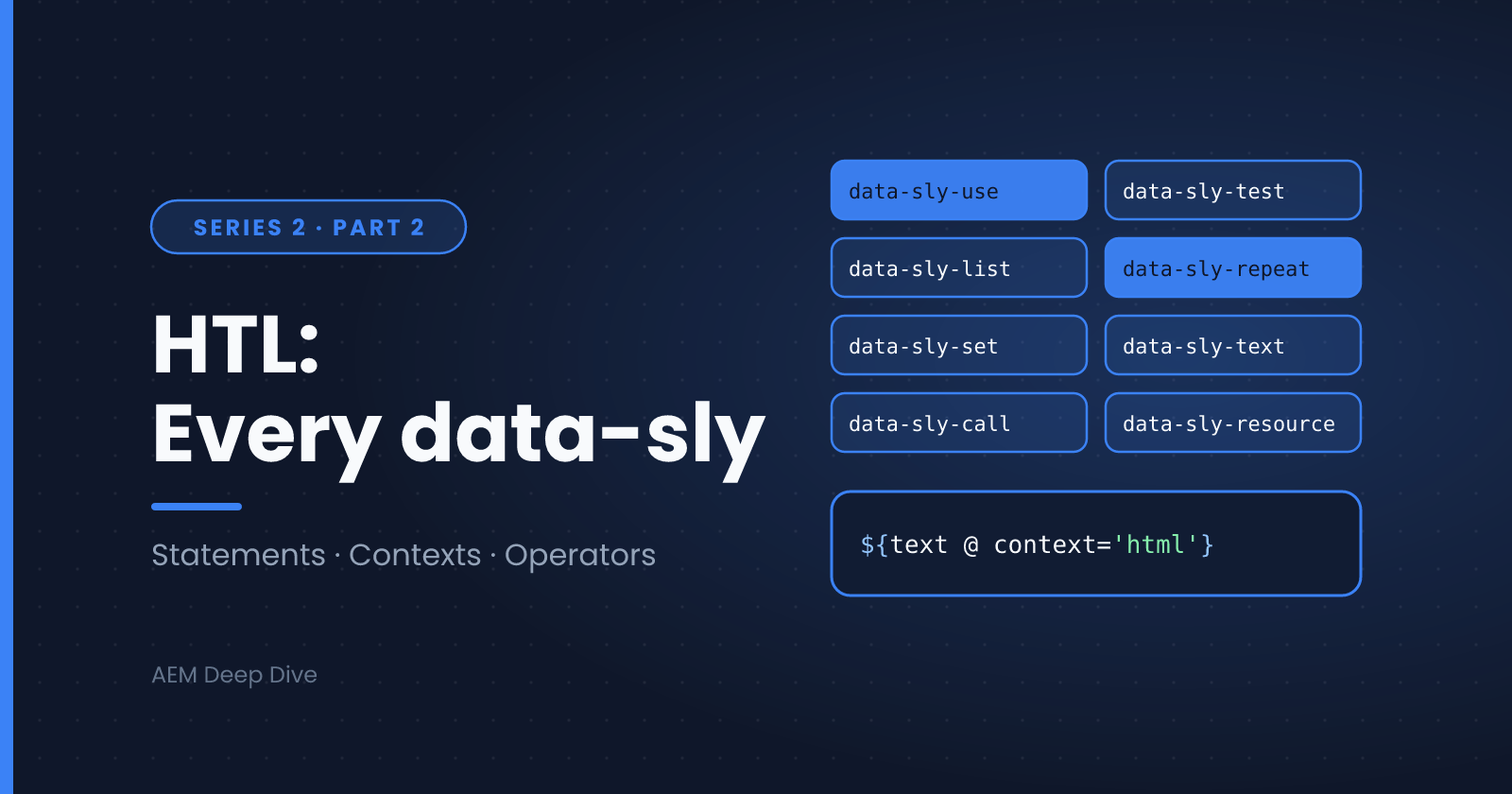
In the previous post you wrote your first HTL script and used a handful of data-sly-* attributes without much explanation. HTL (HTML Template Language) has a small, well-defined set of these block statements, and knowing all of them will make your component markup cleaner and your debugging faster. This post is a complete reference with a working example for each.
HTL in 60 Seconds
HTL is plain HTML plus two additions:
- Expressions:
${...}outputs a value, with automatic, context-aware XSS protection - Block statements:
data-sly-*attributes that attach behavior (conditions, loops, includes) to any HTML element
Expressions can also carry options after an @ sign, such as ${properties.text @ context='html'}.
Quick Reference
| Statement | Purpose |
|---|---|
data-sly-use |
Load a Sling Model, script or template library |
data-sly-test |
Conditional rendering |
data-sly-set |
Assign a variable |
data-sly-text |
Replace an element's text content |
data-sly-attribute |
Set or remove attributes dynamically |
data-sly-element |
Change an element's tag name dynamically |
data-sly-list |
Loop over the element's content |
data-sly-repeat |
Loop, repeating the element itself |
data-sly-resource |
Render another resource with its own component |
data-sly-include |
Include another script in the current context |
data-sly-template |
Define a reusable template |
data-sly-call |
Call a template |
data-sly-unwrap |
Remove the host element, keep its content |
There is also the special <sly> element, covered at the end.
data-sly-use
Loads logic and binds it to an identifier. This is how HTL connects to your Sling Models.
<div data-sly-use.hero="com.myproject.core.models.HeroBanner">
    ${hero.title}
</div>
The text after the dot (hero) is the variable name. You can pass parameters to the model or script:
<div data-sly-use.card="${'com.myproject.core.models.Card' @ style='compact'}">
data-sly-use also loads HTL template libraries from other files, which pairs with data-sly-call (below):
<sly data-sly-use.lib="templates/cards.html"></sly>
data-sly-test
Renders the element only when the expression is truthy. Falsy values include false, 0, empty strings, null and empty collections.
<p data-sly-test="${hero.subtitle}">${hero.subtitle}</p>
You can store the result in a variable by adding an identifier, which is handy for avoiding repeated work and for writing an "else" branch (HTL has no else keyword):
<div data-sly-test.hasItems="${items && items.size > 0}">
    <!-- show items -->
</div>
<p data-sly-test="${!hasItems}">Nothing to display.</p>
data-sly-set
Assigns a value to a variable, which you can then reuse in the template. It was added in HTL 1.4, so make sure your AEM version supports it (AEM as a Cloud Service does).
<sly data-sly-set.fullName="${profile.firstName} ${profile.lastName}"></sly>
<p>Hello, ${fullName}!</p>
data-sly-text
Replaces the element's content with the evaluated expression. The placeholder text inside the element is ignored at render time, which is useful for prototyping markup.
<p data-sly-text="${properties.jcr:description}">Lorem ipsum placeholder</p>
For simple cases, plain <p>${properties.jcr:description}</p> is cleaner and equivalent.
data-sly-attribute
Sets attributes on the element. Use the dotted form for one attribute:
<a data-sly-attribute.href="${link.url}" data-sly-attribute.title="${link.title}">Read more</a>
Or pass a map to set several attributes at once:
<div data-sly-attribute="${model.attributes}"></div>
Behavior worth remembering:
- A value of
false,nullor an empty string removes the attribute - A value of
trueoutputs a boolean attribute (for example,checked)
<input type="checkbox" data-sly-attribute.checked="${model.isSelected}"/>
data-sly-element
Changes the element's tag name dynamically. A classic use is a heading whose level is chosen by the author:
<h2 data-sly-element="${model.headingLevel}">${model.title}</h2>
For security, HTL only allows a safe list of element names here, and anything else is ignored.
data-sly-list
Iterates over a collection, repeating the element's content while the host element appears once. Inside the loop you get the item and an itemList helper object.
<ul data-sly-list="${model.items}">
    <li>${item.title}</li>
</ul>
Use a custom identifier to rename the variables (the helper is named after it):
<ul data-sly-list.link="${model.links}">
    <li class="${linkList.first ? 'first' : ''}">
        <a href="${link.url}">${link.label}</a>
    </li>
</ul>
The itemList object exposes:
| Property | Meaning |
|---|---|
index |
Zero-based position |
count |
One-based position |
first / last |
True for the first / last item |
middle |
True for items that are neither first nor last |
odd / even |
True when the zero-based index is odd / even |
You can also limit iteration with begin, end and step options:
<li data-sly-list.item="${model.items @ begin=0, end=2}">${item.title}</li>
data-sly-repeat
Works like data-sly-list, except it repeats the host element itself. This avoids wrapper elements and extra <sly> tags, and it is generally the preferred choice.
<div class="card" data-sly-repeat.card="${model.cards}">
    <h3>${card.title}</h3>
    <p>${card.description}</p>
</div>
This outputs one <div class="card"> per item. With data-sly-list you would need an extra wrapper.
data-sly-resource
Renders another resource using that resource's own component and script. Use it to include child components, such as the items inside a container:
<div data-sly-resource="${'content' @ resourceType='myproject/components/text'}"></div>
Combined with a loop, it renders each child with its own component:
<div data-sly-repeat.child="${container.children}" data-sly-resource="${child.path}"></div>
Useful options include resourceType, selectors, addSelectors, removeSelectors, prependPath, appendPath and wcmmode.
data-sly-include
Includes the output of another script in the current resource's context. Unlike data-sly-resource, it does not switch to a different resource or component.
<sly data-sly-include="header.html"></sly>
Rule of thumb: use data-sly-resource to render content, and data-sly-include to reuse markup fragments of the same component.
data-sly-template and data-sly-call
Templates are reusable markup blocks with parameters. Define one with data-sly-template:
<template data-sly-template.card="${@ title, text}">
    <div class="card">
        <h3>${title}</h3>
        <p>${text}</p>
    </div>
</template>
Call it (in the same file) with data-sly-call:
<sly data-sly-call="${card @ title='Hello', text='World'}"></sly>
Or load it from another file with data-sly-use and call it through the identifier:
<sly data-sly-use.lib="templates/cards.html"></sly>
<sly data-sly-call="${lib.card @ title=model.title, text=model.text}"></sly>
A template is never rendered on its own. It only produces output when called.
data-sly-unwrap
Removes the host element from the output while keeping its content. This is useful when you need an element only to carry other block statements.
<div data-sly-unwrap>
    <span>Only the span is output</span>
</div>
It also accepts a condition (HTL 1.4+):
<div data-sly-unwrap="${model.skipWrapper}">...</div>
In practice, the <sly> element (below) is usually cleaner than unwrapping.
The <sly> Element
<sly> is a special element that is removed from the output while its block statements still run. Use it when no real element could carry the statement:
<sly data-sly-test="${wcmmode.edit}">
    <p class="cq-placeholder">Configure this component</p>
</sly>
Write it as <sly></sly> rather than the self-closing <sly/>, since sly is not a void element.
Evaluation Order When Statements Share an Element
When several block statements sit on one element, HTL evaluates them in a fixed priority order, not the order you wrote them:
data-sly-templatedata-sly-set,data-sly-test,data-sly-usedata-sly-calldata-sly-textdata-sly-element,data-sly-include,data-sly-resourcedata-sly-unwrapdata-sly-list,data-sly-repeatdata-sly-attribute
Statements at the same level run left to right. This explains why data-sly-test combined with data-sly-repeat on the same element works as expected: the test runs first, and the loop only starts if it passes.
<li data-sly-test="${model.items}" data-sly-repeat.item="${model.items}">${item.title}</li>
Expression Options Worth Knowing
Options follow @ inside an expression and are not block statements, but you'll use them constantly:
| Option | Example | Effect |
|---|---|---|
context |
${text @ context='html'} |
Sets the output escaping context (explained next) |
i18n |
${'Read more' @ i18n} |
Looks up a translation |
format |
${'Page {0} of {1}' @ format=[current, total]} |
String formatting |
join |
${tags @ join=', '} |
Joins a collection into a string |
You can combine several options, separated by commas: ${'Read more' @ i18n, context='text'}.
Display Contexts in Depth
HTL's biggest security feature is that it escapes output automatically, based on where in the markup the expression appears. This protects you from XSS without any extra effort. The rule of thumb: let HTL pick the context, and override it only when you must.
What HTL Applies Automatically
| Where the expression sits | Context applied |
|---|---|
Element content (<p>${x}</p>) |
text |
Attribute value (<div title="${x}">) |
attribute |
href / src and similar URL attributes |
uri |
Inside a <script> or <style> block |
No default, you must set one |
That last row catches many beginners. In HTL, an expression inside a <script> or <style> element with no explicit context outputs nothing at all. That's deliberate, so that unsafe values never reach script code by accident.
The Contexts You Can Set
| Context | Use it for | Example |
|---|---|---|
text |
Plain text in element content (default) | ${title} |
html |
Rich text that should keep safe markup | ${model.richText @ context='html'} |
attribute |
Attribute values (default in attributes) | title="${title}" |
uri |
Links and URLs | href="${link @ context='uri'}" |
number |
Numeric values, defaulting to 0 if invalid |
${count @ context='number'} |
attributeName |
A dynamic attribute name | data-sly-attribute handles this for you |
elementName |
A dynamic element name | data-sly-element handles this for you |
scriptString |
A value inside a JavaScript string literal | var name = '${user.name @ context='scriptString'}'; |
scriptToken |
A JavaScript identifier or keyword | rare |
scriptComment |
Inside a JavaScript comment | rare |
scriptRegExp |
Inside a JavaScript regular expression | rare |
styleString |
A value inside a CSS string | content: '${text @ context='styleString'}'; |
styleToken |
A CSS identifier or value | color: ${color @ context='styleToken'}; |
styleComment |
Inside a CSS comment | rare |
unsafe |
Disables all escaping | trusted values only |
Example: Rich Text from a Dialog
The rich text editor in a dialog stores HTML. If you output it with the default text context, the tags show up as visible characters (<p>...). Use html:
<div class="text">
    ${model.text @ context='html'}
</div>
With context='html', HTL runs the value through AEM's XSS filter, which keeps safe markup (paragraphs, links, bold) and strips dangerous parts like <script> tags or onclick handlers.
Example: Passing Data to JavaScript
<script>
    var componentConfig = {
        title: '${model.title @ context='scriptString'}',
        count: ${model.count @ context='number'}
    };
</script>
Without the explicit contexts, both values would render as empty. Alternatively, put the data in a data- attribute and read it from your client library, which avoids inline scripts entirely:
<div class="carousel" data-config="${model.configJson}"></div>
Using unsafe
context='unsafe' turns escaping off. Only use it for content you fully control (for example, markup generated by your own trusted code), and never for author-entered or user-supplied values. If you find yourself reaching for it, try html first.
Context Checklist
- Rich text from the RTE →
context='html' - A URL built in code →
context='uri' - Data inside inline
<script>→scriptStringornumber - Everything else → leave the default alone
Operators in HTL Expressions
HTL expressions support a deliberately small set of operators. Business logic belongs in your Sling Model, so HTL has no arithmetic operators (no +, -, *, /). The ones you do get cover conditions and fallbacks.
Unary Operator: Logical NOT (!)
The only unary operator is !, which inverts the truthiness of its operand. It is the standard way to write the "else" branch, since HTL has no else keyword:
<div data-sly-test.hasItems="${model.items}">
    <ul data-sly-list="${model.items}">
        <li>${item.title}</li>
    </ul>
</div>
<p data-sly-test="${!hasItems}">Nothing to display.</p>
Remember what counts as falsy: false, 0, an empty string, null, and an empty collection. So ${!model.items} is true when the list is empty or missing, not just when it's null.
You can negate a whole expression with parentheses:
<p data-sly-test="${!(page.hidden || page.expired)}">Visible page</p>
To force a value to a boolean, use double negation:
<div data-sly-attribute.hidden="${!!model.isHidden}"></div>
Logical Operators: && and ||
<!-- Both must be truthy -->
<div data-sly-test="${hero.title && hero.image}">...</div>

<!-- Either one is enough -->
<div data-sly-test="${hero.title || hero.subtitle}">...</div>
|| also works as a fallback, because it returns the first truthy value:
<h1>${hero.title || 'Welcome'}</h1>
Ternary Operator: condition ? a : b
The conditional operator picks between two values inline, which is ideal for class names and attribute values:
<li class="${itemList.first ? 'first' : (itemList.last ? 'last' : 'middle')}">
Keep ternaries simple. Nested ones are hard to read, so move complex decisions into the Sling Model and expose a single getCssClass() method.
Comparison Operators
| Operator | Meaning |
|---|---|
== / != |
Equal / not equal (strict, no type coercion) |
< <= > >= |
Less / greater than (numbers) |
<p data-sly-test="${model.items.size > 3}">Showing the top 3 items only.</p>
<span data-sly-test="${hero.alignment == 'center'}" class="is-centered"></span>
Because equality is strict, '5' == 5 is false. Make sure both sides have the same type (a common source of "why is my test failing?" confusion).
Grouping and Precedence
Operators are evaluated in this order, from highest to lowest priority: !, then comparisons, then &&, then ||, then the ternary operator. When in doubt, use parentheses to make your intent explicit:
<div data-sly-test="${(hero.title || hero.subtitle) && !hero.hidden}">...</div>
Operator Quick Reference
| Operator | Type | Typical use |
|---|---|---|
! |
Unary | Negate a condition, "else" branches |
&& |
Logical | Require several conditions |
| ` | ` | |
? : |
Ternary | Inline choice of value or CSS class |
== != |
Comparison | Match strings and numbers |
< <= > >= |
Comparison | Numeric thresholds |
Style Tips from the Core Components Team
- Put block statements before regular attributes, so variables are available to the attributes that follow
- Prefer
data-sly-repeatoverdata-sly-listto avoid unnecessary<sly>wrappers - Prefer
<sly>over<div data-sly-unwrap> - Place
data-sly-useon a top-level element, near the start of the template - Avoid
data-sly-text,data-sly-attributeanddata-sly-elementwhere plain expressions will do
What's Next
Our herobanner.html still depends on a HeroBanner Sling Model that doesn't exist yet. In the next post we'll build it and see how Sling Models connect your Java logic to everything you've just learned in HTL.
Next in this series: [Sling Models 101]
About the author
- AEM Technical Lead experienced with building and architecting solutions on AEM Sites and Assets. Sharing practical tutorials, real-world implementation lessons, and best practices to help fellow developers and leads navigate AEM.
Comments
Join the discussionWhich data-sly statement do you use most, and which one do you still have to look up every time? I'm thinking about adding a quick cheat sheet for the ones that trip people up.
AEM Core Development
"Hands-on component building, Sling Models, HTL, and dialog configuration — the everyday toolkit every AEM developer needs."