
OSGi Configuration: Files, Run Modes and Environment Variables
Series: AEM Backend Essentials — Part 3
Almost every service has settings that change between environments: an endpoint URL, a feature toggle, a timeout, a credential. OSGi lets you keep those out of your code and supply them as configuration. On AEM as a Cloud Service, configuration is part of your codebase and arrives through the pipeline, which is a real change from 6.5, where many teams edited it by hand on the server. This post shows how to define, place and vary configuration safely.
Step 1: Describe the Configuration in Code
Use the OSGi metatype annotations to define what can be configured:
@ObjectClassDefinition(name = "My Project - Catalog API",
        description = "Settings for the external catalog API")
public @interface CatalogApiConfig {

    @AttributeDefinition(name = "Base URL")
    String baseUrl() default "https://catalog.example.com/api";

    @AttributeDefinition(name = "Enabled")
    boolean enabled() default true;

    @AttributeDefinition(name = "API key")
    String apiKey() default "";

    @AttributeDefinition(name = "Read timeout (ms)")
    int readTimeoutMs() default 5000;
}
Attach it to the component and read it in @Activate and @Modified:
@Component(service = CatalogClient.class)
@Designate(ocd = CatalogApiConfig.class)
public class CatalogClientImpl implements CatalogClient {

    private volatile CatalogApiConfig config;

    @Activate
    @Modified
    protected void activate(CatalogApiConfig config) {
        this.config = config;
    }
}
Putting @Activate and @Modified on the same method keeps the two paths identical. The defaults in the interface are used whenever a value isn't supplied.
Step 2: Supply Values with a Configuration File
A configuration file is named after the component's PID, which by default is its fully qualified class name:
com.myproject.core.services.CatalogClientImpl.cfg.json
{
  "baseUrl": "https://catalog-dev.example.com/api",
  "enabled": true,
  "readTimeoutMs": 5000
}
In a Cloud Service project, these files live in the ui.config module under:
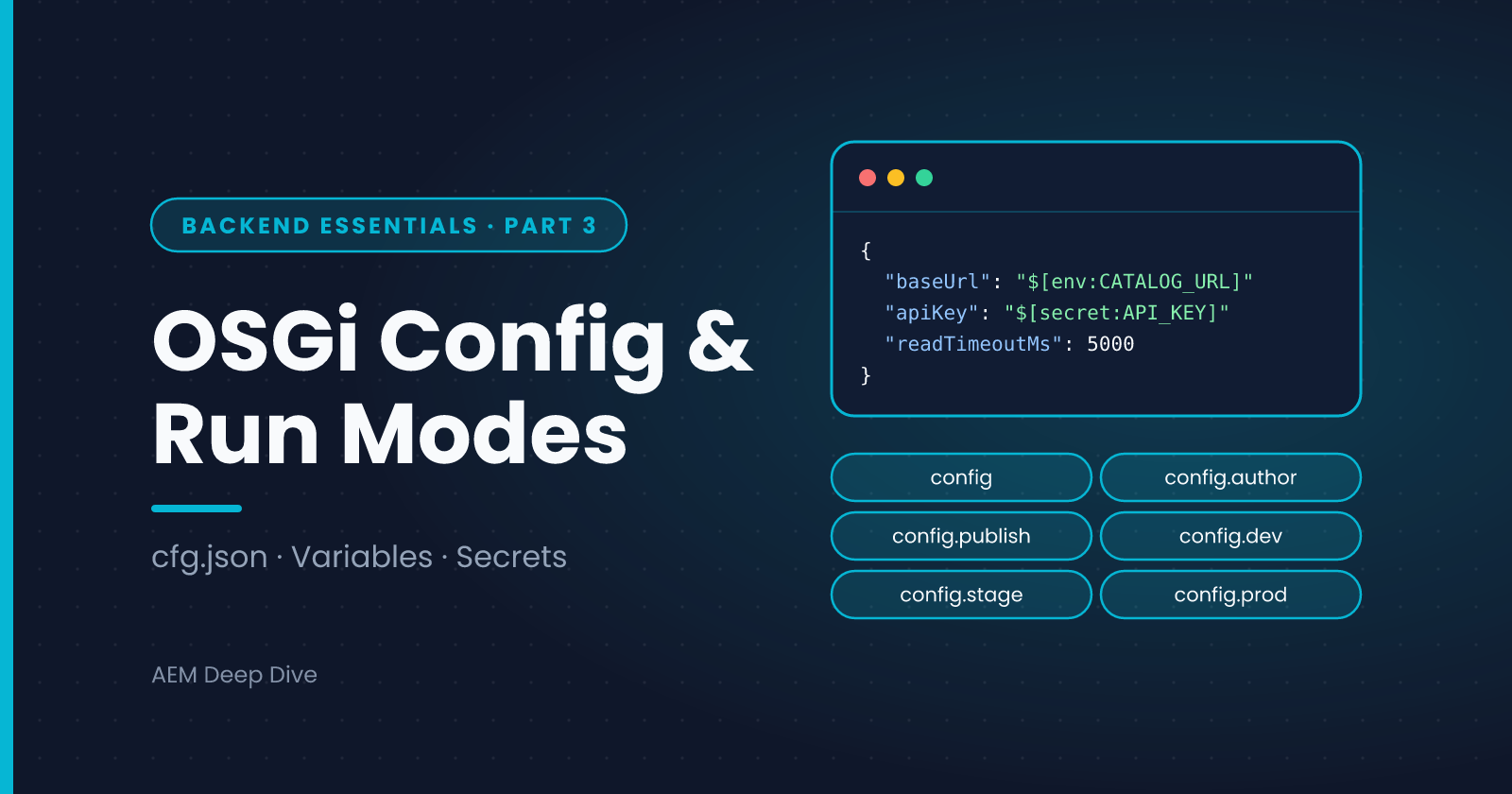
ui.config/src/main/content/jcr_root/apps/myproject/osgiconfig/
├── config/                  ← applies everywhere
├── config.author/           ← Author only
├── config.publish/          ← Publish only
├── config.dev/              ← Dev environments
├── config.stage/            ← Stage
├── config.prod/             ← Production
└── config.publish.prod/     ← Publish on Production
The folder name is a run mode selector. AEM applies the folders that match the instance, so you can set a different baseUrl per environment while keeping everything else in config/.
Some things to know about run modes on Cloud Service:
- You use the service-type run modes
authorandpublish, and the environment-type run modesdev,stageandprod, alone or combined (for exampleconfig.author.dev) - You can't invent your own run modes as you could on 6.5
- More specific folders override values from more general ones
Step 3: Use Environment Variables and Secrets
Don't commit credentials or environment-specific hostnames to Git. Cloud Service supports placeholders in configuration files that are filled from Cloud Manager environment variables:
{
  "baseUrl": "$[env:CATALOG_BASE_URL;default=https://catalog-dev.example.com/api]",
  "apiKey": "$[secret:CATALOG_API_KEY]",
  "readTimeoutMs": 5000
}
$[env:NAME]reads a normal environment variable. You can give adefaultfor local development$[secret:NAME]reads a secret variable, which is stored more carefully and not shown after you set it- You set the values in Cloud Manager per environment, through the UI, API or CLI
This keeps one file in Git while Dev, Stage and Production each get their own values. Check Adobe's current documentation for where secret placeholders are permitted and for size and naming limits.
Step 4: Factory Configurations
When you need several configurations of the same kind (one per site, one per API), use a factory configuration. Its file name includes a tilde and an instance name:
com.myproject.core.services.SiteSettings~brand-a.cfg.json com.myproject.core.services.SiteSettings~brand-b.cfg.json
Each file creates one component instance. The Advanced series covers this pattern in depth.
Trying Configuration Locally
On the local SDK you can open the web console's Configuration page, adjust a value and watch your component react, which is a quick way to see what the configuration form looks like and which keys exist. Then write the final values into a .cfg.json file in ui.config. Console changes on a local instance are not part of your project, and they disappear when you reset the instance.
AEM as a Cloud Service vs 6.5
| Topic | AEM 6.5 | AEM as a Cloud Service |
|---|---|---|
| Editing configuration | Can change it in the web console or repository on a running instance | Only through code and the pipeline. The Developer Console shows the result read-only |
| File formats | .config files and sling:OsgiConfig nodes are common. Newer service packs also read .cfg.json |
Use .cfg.json |
| Location | Often /apps/<project>/config.<runmode> |
/apps/<project>/osgiconfig/config.<runmode> |
| Run modes | Includes custom run modes you define | Only author, publish and dev, stage and prod |
| Secrets | Typically stored in the repository or in system properties, depending on the team | Cloud Manager environment variables and $[secret:...] placeholders |
| Changing a value | Immediate, no deployment | Commit, run the pipeline, deploy |
The last row is the one to plan for. A "quick change" in production now means a pipeline run, unless the value is an environment variable, in which case you can update the variable and let the environment pick it up.
Common Pitfalls
- Config file in the wrong folder. The file is valid but the folder name doesn't match the run mode, so it never applies. Check the component's configuration in the Developer Console
- Wrong PID. A typo in the file name creates a configuration that no component reads. The PID must match the class name or your custom
configurationPid - Component requires configuration but none is deployed for that run mode. With
configurationPolicy = REQUIRE, a component is unsatisfied until its file exists - Secrets in plain text. If you can read a key in Git, so can everyone with repository access. Use
$[secret:...] - Different values across Author and Publish. Remember that each service type reads its own run-mode folders, so a value set only in
config.authorwon't reach Publish
What's Next
Many services need to read or write content. The next post covers service users and ResourceResolvers: how to get repository access without admin sessions, and how to close what you open.
Next in this series: [Service Users and ResourceResolvers: Accessing the Repository Safely]
About the author
- AEM Technical Lead experienced with building and architecting solutions on AEM Sites and Assets. Sharing practical tutorials, real-world implementation lessons, and best practices to help fellow developers and leads navigate AEM.
Comments
Join the discussionHow do you manage configuration across Dev, Stage and Production today? If you moved from 6.5, what was hardest to give up: changing values in the console, or custom run modes?
AEM Backend Essentials
OSGi, services, configuration, service users, servlets and testing: the core backend skills for AEM as a Cloud Service, with 6.5 differences.