
Content Fragment Models for Headless
Series: AEM Core Development — Part 6
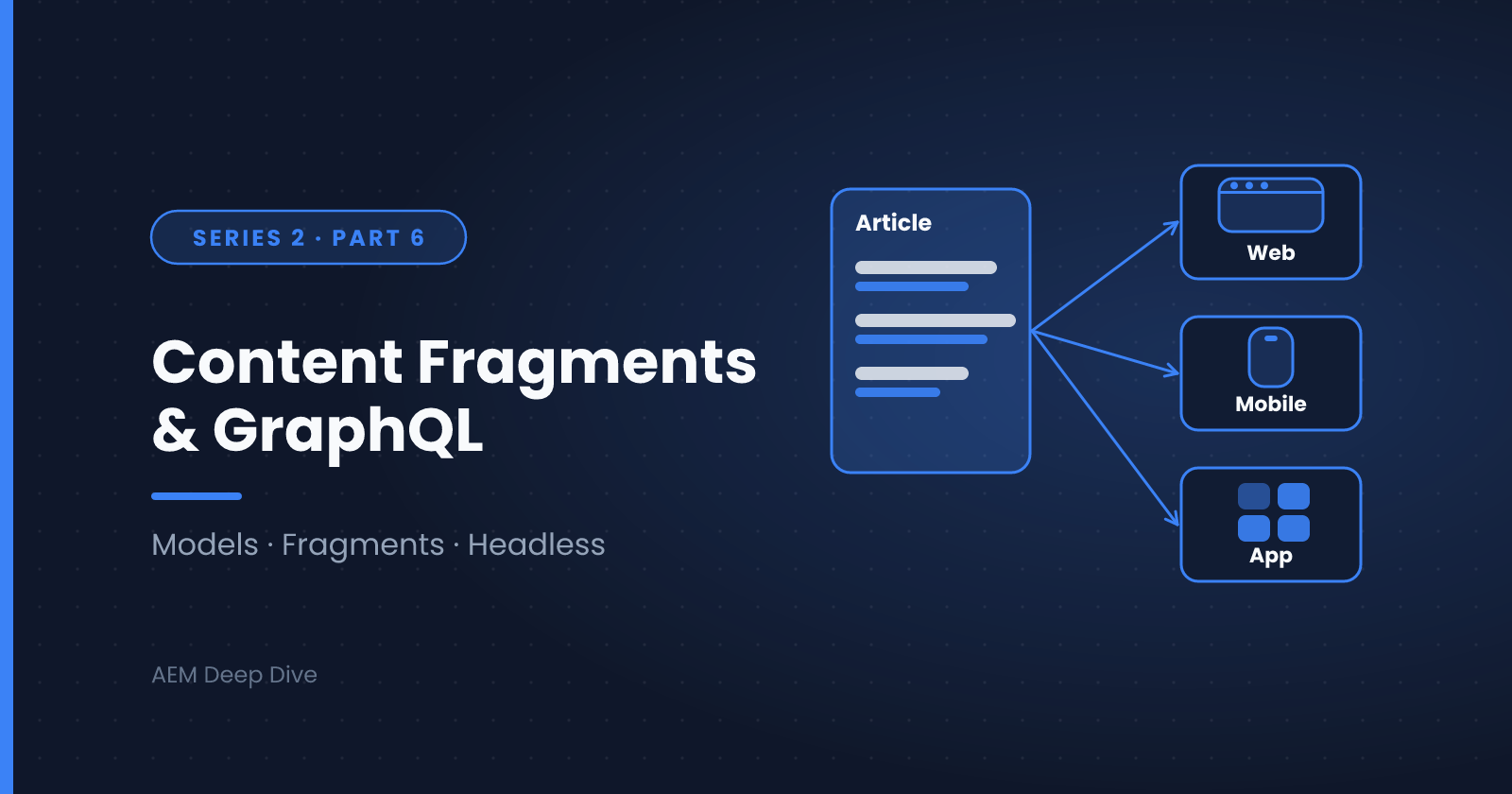
Everything we've built so far ties content to pages and components. But modern projects often need the same content delivered to a website, a mobile app, a kiosk, and more. That's where Content Fragments come in: structured, channel-neutral content managed in AEM Assets and delivered wherever it's needed.
What Are Content Fragments?
A Content Fragment is a piece of structured content (a product description, an article, an author bio, an FAQ entry) stored in the DAM, independent of any page layout. Each fragment is created from a Content Fragment Model, which defines the fields and their data types.
Think of it this way:
- Content Fragment Model = the schema (like a database table definition)
- Content Fragment = a single entry that follows the schema (like a row)
Why Use Them?
- Reuse across channels. The same fragment can feed a web page, a mobile app and a third-party system.
- Separation of content and presentation. Authors manage content; front-end teams decide how it's displayed.
- Structured authoring. Fields, validation and references keep content consistent.
- Headless delivery. Fragments are exposed via GraphQL APIs.
Step 1: Enable the Model Configuration
Content Fragment Models are enabled per configuration folder. In the AEM Author UI:
- Go to Tools → General → Configuration Browser
- Create or open a configuration for your site/project
- Enable Content Fragment Models
Without this, you won't be able to create models in that folder tree.
Step 2: Create a Content Fragment Model
- Go to Tools → General → Content Fragment Models
- Open your configuration folder and choose Create
- Name the model, for example Article
- Add fields by dragging data types onto the model
Typical field types include:
| Data type | Example use |
|---|---|
| Single line text | Title, slug |
| Multi line text | Body copy (supports rich text or markdown) |
| Number | Reading time, price |
| Boolean | Featured flag |
| Date and time | Publish date |
| Enumeration | Category |
| Content reference | Link to an image in the DAM or a page |
| Fragment reference | Link to another fragment (for example, an Author) |
| JSON object | Flexible structured data |
Each field has a field name (used in APIs) and a label (shown to authors). Choose field names carefully, because they become part of your GraphQL schema.
Step 3: Create Fragments
- Open Assets → Files and navigate to your project's DAM folder
- Choose Create → Content Fragment
- Select the Article model, name the fragment, and fill in its fields
- Save, and publish the fragment so it's available on the Publish tier
Step 4: Query with GraphQL
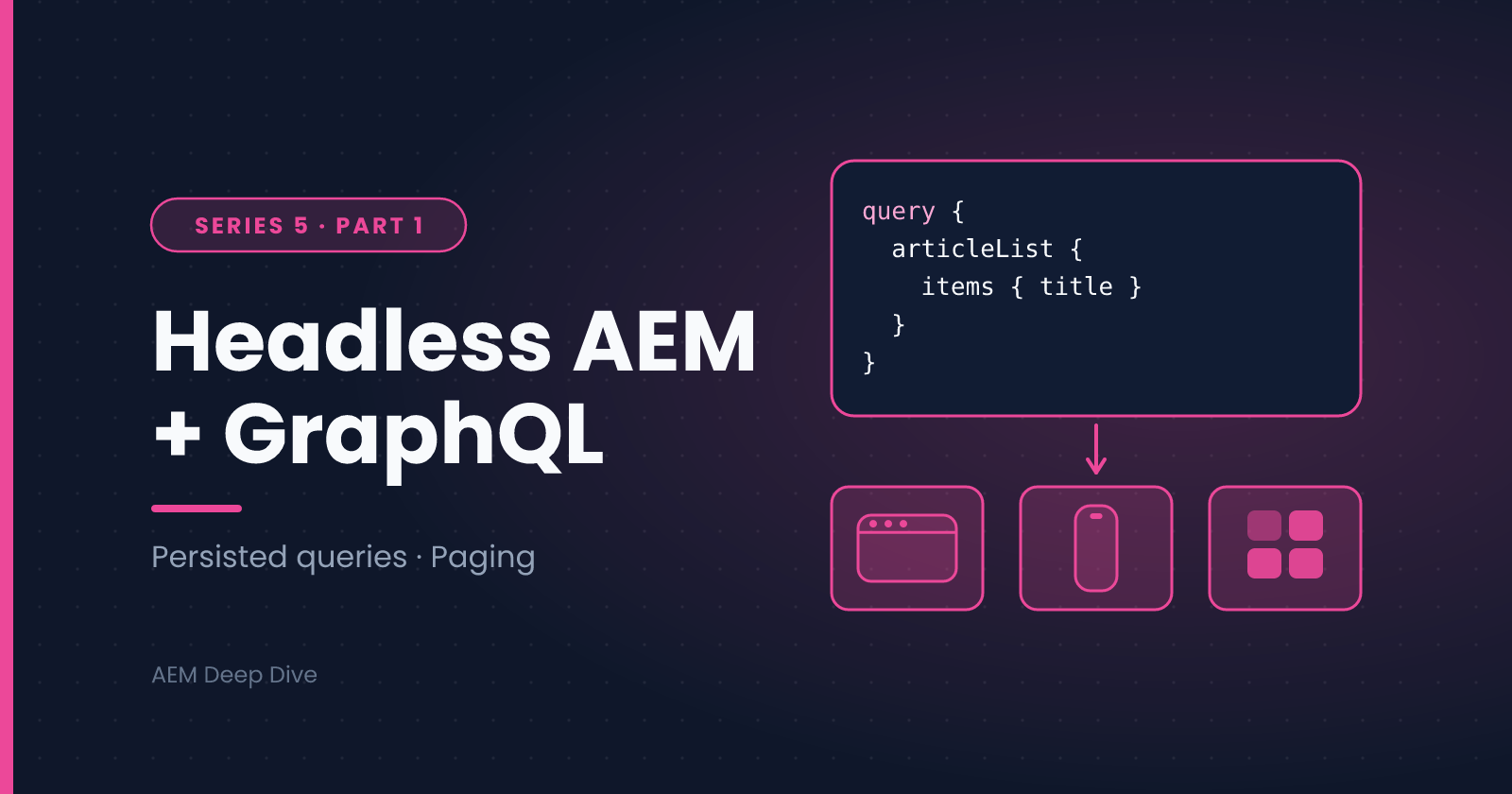
AEM generates a GraphQL schema from your models automatically. For an Article model, a query might look like:
{
  articleList {
    items {
      _path
      title
      body {
        html
      }
      author {
        name
      }
    }
  }
}
Fragment references (like author) are resolved inline, letting a single query return nested content.
Persisted queries are the recommended approach for production. You save a query on the server under a name and call it by URL, which makes responses cacheable at the Dispatcher/CDN layer and avoids exposing arbitrary query execution to the public.
Using Fragments in a Sites Page
Headless doesn't mean fragments can't be used in traditional AEM pages. The Content Fragment Core Component lets authors drop a fragment onto a page and choose which elements to display, so one content source can serve both a classic AEM site and headless consumers.
Best Practices
- Model for reuse. Name models after the content (Article, Author, Product), not the page where it appears.
- Use fragment references to avoid duplicating shared content.
- Plan field names early. Renaming fields later can break consumers.
- Use persisted queries in production for caching and security.
- Set up governance. Decide who can edit models, since model changes affect every fragment and every API consumer.
Series Wrap-Up
That completes AEM Core Development. You should now be able to:
- Build an authorable component with HTL and a dialog
- Map content to Java with Sling Models
- Configure the common Granite UI dialog fields
- Diagnose the usual Sling Model injection problems
- Model structured content with Content Fragments
Next, the AEM Assets Deep Dive series looks at workflows, smart tagging and processing at scale.
About the author
- AEM Technical Lead experienced with building and architecting solutions on AEM Sites and Assets. Sharing practical tutorials, real-world implementation lessons, and best practices to help fellow developers and leads navigate AEM.
Comments
Join the discussionAre you using Content Fragments for headless delivery, or is your content still mostly page-based? If you've modeled one, what was the hardest decision: field names, references or variations?
AEM Core Development
"Hands-on component building, Sling Models, HTL, and dialog configuration — the everyday toolkit every AEM developer needs."