
Putting It Together: A Worked Backend Example
Series: AEM Backend Advanced — Part 8
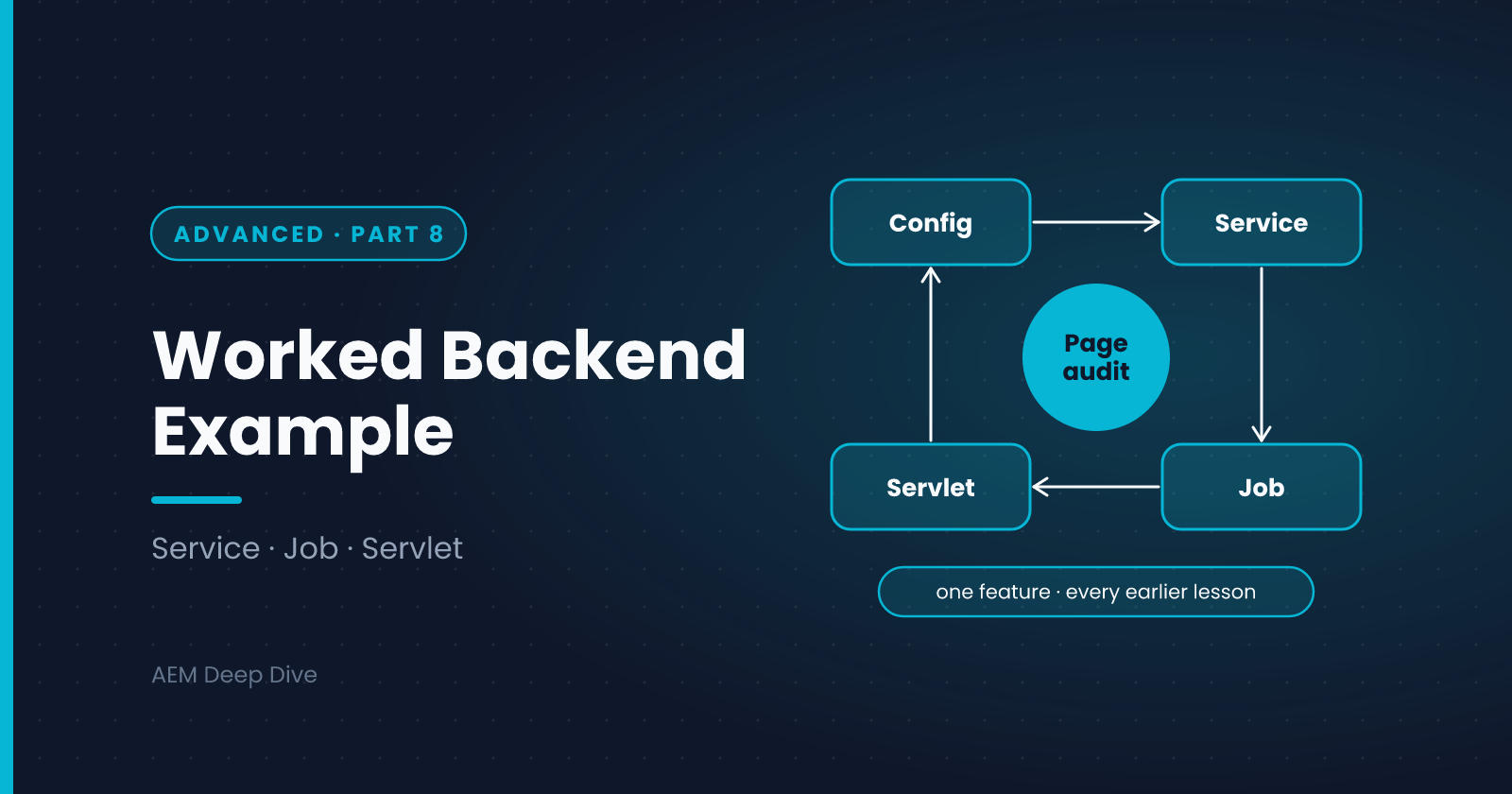
The earlier posts each covered one backend building block. Real features use several at once. In this final post we build one small but complete feature on AEM as a Cloud Service, and point out where each earlier lesson applies. The feature is a page title audit: authors trigger a scan of a content tree, and it records which pages are missing a title.
The Feature
- An author sends a request to start an audit
- The audit runs in the background, so the request returns immediately
- It scans pages under a configured root path and stores a report in the repository
- Authors can read the latest report
- It exists only on Author, and each environment can configure the root path and limits
The Design
| Need | Building block | From |
|---|---|---|
| Settings per environment | OSGi configuration with run modes | Essentials, Part 3 |
| Read content, write the report | A service user with narrow permissions | Essentials, Part 4 |
| The scanning logic | An OSGi service | Essentials, Parts 1 and 2 |
| Run in the background, once, with retries | A Sling Job and a job consumer | Advanced, Part 3 |
| Trigger and read it over HTTP | A servlet registered by resource type | Essentials, Part 5 |
| Keep it off Publish | configurationPolicy = REQUIRE and an Author-only config |
Advanced, Part 6 |
| Confidence | Unit tests and good logging | Essentials, Part 6 |
| A build that passes | Closed resolvers, no scheduler, no path servlets | Advanced, Part 7 |
The flow:
Author  --POST-->  AuditServlet  --addJob-->  Sling Job queue
                                                    |
                                          PageAuditJobConsumer
                                                    |
                                            PageAuditService
                                       (service user: auditor)
                                                    |
                                       writes /var/myproject/audit/report-...
Author  --GET--->  AuditServlet  reads the latest report (caller's permissions)
Step 1: Repository Setup with Repoinit
The service user, its permissions and the report folder are all created from code.
org.apache.sling.jcr.repoinit.RepositoryInitializer~myproject-audit.cfg.json
{
  "scripts": [
    "create path /var/myproject/audit(sling:Folder)",
    "create service user myproject-auditor with path system/myproject",
    "set ACL for myproject-auditor",
    "  allow jcr:read on /content/myproject",
    "  allow jcr:read,jcr:addChildNodes,jcr:modifyProperties on /var/myproject/audit",
    "end",
    "set ACL for content-authors",
    "  allow jcr:read on /var/myproject/audit",
    "end"
  ]
}
The auditor can read the content and write only under the audit folder. Authors can read the reports. content-authors is a placeholder for the group your project uses, so replace it with your real group name.
org.apache.sling.serviceusermapping.impl.ServiceUserMapperImpl.amended~myproject-audit.cfg.json
{ "user.mapping": [ "myproject.core:auditor=[myproject-auditor]" ] }
Step 2: The Service
@Component(service = PageAuditService.class)
@Designate(ocd = PageAuditServiceImpl.Config.class)
public class PageAuditServiceImpl implements PageAuditService {

    private static final Logger LOG = LoggerFactory.getLogger(PageAuditServiceImpl.class);
    private static final String REPORT_FOLDER = "/var/myproject/audit";

    @ObjectClassDefinition(name = "My Project - Page Audit")
    public @interface Config {
        @AttributeDefinition(name = "Root path")
        String rootPath() default "/content/myproject";

        @AttributeDefinition(name = "Maximum pages to scan")
        int maxPages() default 500;
    }

    @Reference
    private ResourceResolverFactory resolverFactory;

    private volatile Config config;

    @Activate
    @Modified
    protected void activate(Config config) {
        this.config = config;
    }

    @Override
    public String runAudit() {
        Map<String, Object> auth =
                Collections.singletonMap(ResourceResolverFactory.SUBSERVICE, "auditor");

        try (ResourceResolver resolver = resolverFactory.getServiceResourceResolver(auth)) {
            Resource root = resolver.getResource(config.rootPath());
            Resource folder = resolver.getResource(REPORT_FOLDER);
            if (root == null || folder == null) {
                LOG.warn("Audit skipped: root {} or folder {} not found", config.rootPath(), REPORT_FOLDER);
                return null;
            }

            List<String> missing = new ArrayList<>();
            int[] scanned = {0};
            scan(root, missing, scanned);

            Map<String, Object> props = new HashMap<>();
            props.put("jcr:primaryType", "nt:unstructured");
            props.put("scanned", scanned[0]);
            props.put("missingTitles", missing.toArray(new String[0]));
            props.put("created", Calendar.getInstance());

            Resource report = resolver.create(folder, "report-" + System.currentTimeMillis(), props);
            resolver.commit();

            LOG.info("Audit finished: scanned {} pages, {} without a title", scanned[0], missing.size());
            return report.getPath();
        } catch (LoginException | PersistenceException e) {
            LOG.error("Page audit failed", e);
            return null;
        }
    }

    private void scan(Resource parent, List<String> missing, int[] scanned) {
        for (Resource child : parent.getChildren()) {
            if (scanned[0] >= config.maxPages()) {
                return;
            }
            if ("cq:Page".equals(child.getResourceType())) {
                scanned[0]++;
                String title = child.getValueMap().get("jcr:content/jcr:title", String.class);
                if (title == null || title.trim().isEmpty()) {
                    missing.add(child.getPath());
                }
                scan(child, missing, scanned);
            }
        }
    }
}
Check the details against the earlier posts:
- The resolver is opened with try-with-resources, so it's always closed
- Access comes from a service user, with the sub-service name from the mapping
- The scan has a cap (
maxPages), so one run can't grow without limit - Failures are logged and return
null, and there are no secrets in the logs
Step 3: The Job Consumer
@Component(
    service = JobConsumer.class,
    property = { JobConsumer.PROPERTY_TOPICS + "=myproject/audit/run" })
public class PageAuditJobConsumer implements JobConsumer {

    @Reference
    private PageAuditService auditService;

    @Override
    public JobResult process(Job job) {
        String reportPath = auditService.runAudit();
        return reportPath == null ? JobResult.FAILED : JobResult.OK;
    }
}
Because the platform stores the job and runs it on one instance, the audit won't run twice on a cluster. A failed run is retried. Running an audit twice is harmless, which satisfies the idempotence rule, because each run writes its own new report.
Step 4: The Servlet, Author Only
@Component(service = Servlet.class, configurationPolicy = ConfigurationPolicy.REQUIRE)
@SlingServletResourceTypes(
        resourceTypes = "myproject/components/page",
        methods = { "GET", "POST" },
        selectors = "audit",
        extensions = "json")
public class AuditServlet extends SlingAllMethodsServlet {

    private static final ObjectMapper MAPPER = new ObjectMapper();

    @Reference
    private JobManager jobManager;

    @Override
    protected void doPost(SlingHttpServletRequest request, SlingHttpServletResponse response)
            throws IOException {
        jobManager.addJob("myproject/audit/run", Collections.emptyMap());
        response.setStatus(SlingHttpServletResponse.SC_ACCEPTED);
        response.setContentType("application/json");
        response.getWriter().write("{\"status\":\"queued\"}");
    }

    @Override
    protected void doGet(SlingHttpServletRequest request, SlingHttpServletResponse response)
            throws IOException {
        Resource folder = request.getResourceResolver().getResource("/var/myproject/audit");
        Resource latest = null;
        if (folder != null) {
            for (Resource child : folder.getChildren()) {
                latest = child;   // children are in creation order, so the last is the latest
            }
        }
        if (latest == null) {
            response.sendError(SlingHttpServletResponse.SC_NOT_FOUND, "No report yet");
            return;
        }
        Map<String, Object> body = new LinkedHashMap<>();
        body.put("report", latest.getPath());
        body.put("scanned", latest.getValueMap().get("scanned", 0));
        body.put("missingTitles", latest.getValueMap().get("missingTitles", new String[0]));
        response.setContentType("application/json");
        response.setCharacterEncoding("UTF-8");
        MAPPER.writeValue(response.getWriter(), body);
    }
}
Notice the security design:
- Resource type binding, not a path, so normal permissions and Dispatcher filters apply
- GET uses the caller's resolver. Someone without read access to
/var/myproject/auditjust sees a 404 configurationPolicy = REQUIREmeans the servlet exists only where a configuration exists. The next step supplies one for Author only
(This example assumes the folder's children are in creation order, which is true for ordered folders but not guaranteed everywhere. In a real project, sort by the created property.)
Step 5: Configuration by Run Mode
ui.config/.../osgiconfig/
├── config/
│   ├── com.myproject.core.services.PageAuditServiceImpl.cfg.json
│   ├── org.apache.sling.jcr.repoinit.RepositoryInitializer~myproject-audit.cfg.json
│   └── org.apache.sling.serviceusermapping.impl.ServiceUserMapperImpl.amended~myproject-audit.cfg.json
├── config.author/
│   └── com.myproject.core.servlets.AuditServlet.cfg.json      ← { }  (enables the servlet)
└── config.dev/
    └── com.myproject.core.services.PageAuditServiceImpl.cfg.json   ← smaller maxPages for Dev
The empty Author file {} is enough to satisfy the REQUIRE policy. There is no matching file under config.publish, so the servlet is not active on Publish. As a second layer, don't add a Dispatcher filter rule for the audit selector.
Step 6: A Unit Test
@ExtendWith(AemContextExtension.class)
class PageAuditServiceImplTest {

    private final AemContext context = new AemContext();

    @Test
    void reportsPagesWithoutTitle() throws Exception {
        context.create().resource("/var/myproject/audit", "jcr:primaryType", "sling:Folder");
        context.create().page("/content/myproject/en", "/conf/myproject/settings/wcm/templates/page", "Home");
        context.create().page("/content/myproject/en/untitled", "/conf/myproject/settings/wcm/templates/page", "");

        PageAuditService service = context.registerInjectActivateService(
                new PageAuditServiceImpl(),
                Map.of("rootPath", "/content/myproject", "maxPages", 50));

        String reportPath = service.runAudit();

        assertNotNull(reportPath);
        String[] missing = context.resourceResolver().getResource(reportPath)
                .getValueMap().get("missingTitles", String[].class);
        assertEquals(1, missing.length);
    }
}
AEM Mocks can't check permissions, the repoinit script or the cluster behavior, so you still verify those on a Dev environment.
What to Check on Dev
- The bundle is Active and all components are satisfied in the Developer Console
POSTto/content/myproject/en.audit.jsonreturns 202, and the log shows the audit starting and finishingGETreturns the latest report for an author, and 404 for a user without access- The servlet is absent on Publish
- After a deployment, the audit still runs once
What This Example Shows
Every piece is small, and each one follows a rule from earlier in this series. That's the point: Cloud-ready backend code is mostly a set of habits applied consistently.
- Configuration, access and behavior are all in code, deployed the same way everywhere
- Background work goes through jobs, so it runs once and can be retried
- Access is narrow: a service user for the work, the caller's own permissions for reading
- Exposure is deliberate: resource type, Author only, no Dispatcher rule
Series Wrap-Up
That completes AEM Backend Advanced. Together with the Essentials series, you now have a practical foundation for AEM backend development on Cloud Service, including the differences to know when you work with 6.5 projects. From here, a good next step is to extend this example: add a scheduled run, send a notification when titles are missing, or expose the report in a component. Then write about what you learned.
About the author
- AEM Technical Lead experienced with building and architecting solutions on AEM Sites and Assets. Sharing practical tutorials, real-world implementation lessons, and best practices to help fellow developers and leads navigate AEM.
Comments
Join the discussionHow would you extend the page audit: a nightly scheduled run, a notification, or a report component? Tell me which direction is most useful for your projects.
AEM Backend Advanced
Factory configurations, filters and listeners, jobs, workflows, integrations, security and Cloud-ready code for AEM as a Cloud Service, with 6.5 differences.