
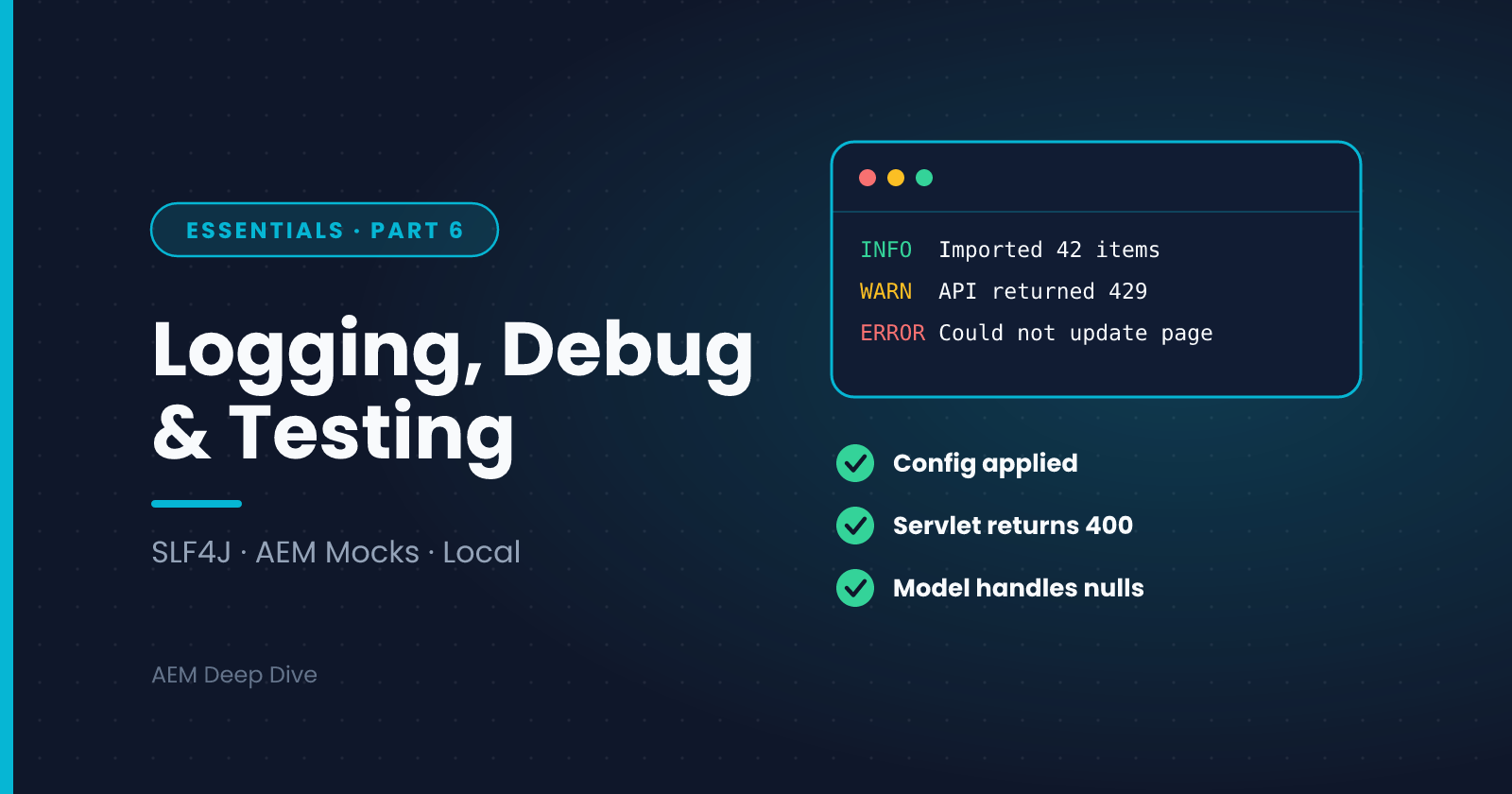
Logging, Debugging and Testing Backend Code
Series: AEM Backend Essentials — Part 6
On AEM as a Cloud Service you can't SSH into a server, edit a file or attach a debugger to Production. That makes three habits essential: logging that tells you what happened, local debugging that finds problems early, and automated tests that catch them before the pipeline does. This post covers all three, and finishes the Essentials series.
Logging with SLF4J
Use SLF4J in every class that needs to log:
private static final Logger LOG = LoggerFactory.getLogger(MyService.class);

LOG.info("Imported {} items from {}", count, source);
LOG.warn("Catalog API returned status {} for id {}", status, id);
LOG.error("Could not update {}", path, exception);
Habits that pay off:
- Use placeholders (
{}) instead of string concatenation. They cost almost nothing when the level is disabled - Pass the exception as the last argument so the stack trace is logged
- Pick the level on purpose:
ERRORfor failures needing attention,WARNfor problems handled,INFOfor key events,DEBUGfor detail you only want when investigating - Never log secrets, tokens or personal data
- Don't use
System.outore.printStackTrace(). They bypass log levels and routing
Configuring Log Levels
You control a package's log level through an OSGi configuration, for example:
org.apache.sling.commons.log.LogManager.factory.config~myproject.cfg.json
{
  "org.apache.sling.commons.log.names": ["com.myproject"],
  "org.apache.sling.commons.log.level": "INFO",
  "org.apache.sling.commons.log.file": "logs/error.log"
}
Put a more verbose level (DEBUG) in a Dev-only folder, such as config.dev, so Production stays quiet and fast:
osgiconfig/config/        → INFO for com.myproject
osgiconfig/config.dev/    → DEBUG for com.myproject
On Cloud Service, plan to send your application logs to the standard error log rather than creating custom log files. Check Adobe's current logging documentation for what's supported on your environment type.
Where to Read Logs
| Environment | How |
|---|---|
| Local SDK | crx-quickstart/logs/error.log, and the web console's log pages |
| Cloud Service | Download or tail logs through Cloud Manager and the Developer Console. You can also forward logs to a service such as Splunk |
| AEM 6.5 | Log files on the server, the web console, and any custom log files you configured |
When you read a log, search for your logger name (for example com.myproject), and look just before the first error. The cause is usually a few lines earlier than the stack trace.
Debugging Locally
Debugging is a local activity on Cloud Service. Start the SDK Quickstart with a Java debug agent:
java -agentlib:jdwp=transport=dt_socket,server=y,suspend=n,address=*:5005 -jar aem-sdk-quickstart-*.jar
Then create a remote debug configuration in your IDE pointing at port 5005, set breakpoints in your servlet or service, and trigger the request.
Two tips:
- Debug against content and configuration that resembles Dev, including run modes. A bug that depends on a configuration value won't show up with the defaults
- The local SDK is a single instance, so it can't reproduce cluster problems such as a job running twice. Test those on a Dev environment
Unit Testing with AEM Mocks
Fast tests catch most mistakes before deployment. The wcm.io AEM Mocks library provides a simulated AEM context, so you can test services, servlets and Sling Models without a running instance.
@ExtendWith(AemContextExtension.class)
class GreetingServiceImplTest {

    private final AemContext context = new AemContext();

    @Test
    void usesConfiguredGreeting() {
        GreetingService service = context.registerInjectActivateService(
                new GreetingServiceImpl(), Map.of("greeting", "Welcome"));

        assertEquals("Welcome, Sam", service.greet("Sam"));
    }
}
registerInjectActivateService creates the component the way OSGi would: it injects references and calls your @Activate method with the configuration you supply.
Testing a Servlet
@ExtendWith(AemContextExtension.class)
class PageSummaryServletTest {

    private final AemContext context = new AemContext();

    @Test
    void returnsJsonWithPath() throws Exception {
        context.create().resource("/content/myproject/en/home",
                "jcr:primaryType", "cq:Page");
        context.currentResource("/content/myproject/en/home");

        PageSummaryServlet servlet = new PageSummaryServlet();
        servlet.doGet(context.request(), context.response());

        assertEquals("application/json", context.response().getContentType());
        assertTrue(context.response().getOutputAsString().contains("/content/myproject/en/home"));
    }
}
What to test:
- Logic in services: the cases, the edge cases and the failures
- Servlet input validation: bad parameters should give 400, not a stack trace
- Sling Models: with missing properties as well as complete content
What AEM Mocks can't tell you: whether your permissions, run-mode configuration, Dispatcher rules or cluster behavior are right. Those need a real environment.
AEM as a Cloud Service vs 6.5
| Topic | AEM 6.5 | AEM as a Cloud Service |
|---|---|---|
| Reading logs | On the server, in the console | Cloud Manager, the Developer Console and optional log forwarding |
| Custom log files | Allowed | Plan around the standard logs |
| Debug on a deployed environment | Possible if you have access | Not on Stage or Production. Debug locally |
| Log level changes | Instant in the web console | Via configuration in the pipeline. Prefer Dev-only DEBUG |
| Test coverage | Optional | Part of the Cloud Manager quality gates, so tests matter more |
Common Pitfalls
- Logging inside a tight loop at INFO. It floods the log and slows the system. Log a summary instead
- Catching an exception and logging only the message. Pass the exception itself
- Tests that need a running AEM. Use AEM Mocks and keep them fast
- Relying on DEBUG in Production. Add the information you need at INFO, or reproduce on Dev with DEBUG
- Assuming local equals Cloud. Always verify on a Dev environment
Series Wrap-Up
That completes AEM Backend Essentials. You can now:
- Explain how OSGi bundles and components start, run and stop
- Wire services together with references, and diagnose wiring problems
- Configure components per environment with run modes, variables and secrets
- Access the repository safely with service users, and close resolvers properly
- Expose functionality with Sling servlets registered by resource type
- Log, debug and test your backend code
The AEM Backend Advanced series builds on this with factory configurations, filters and listeners, jobs and schedulers, workflows, external integrations, security and the habits that keep code Cloud-ready.
About the author
- AEM Technical Lead experienced with building and architecting solutions on AEM Sites and Assets. Sharing practical tutorials, real-world implementation lessons, and best practices to help fellow developers and leads navigate AEM.
Comments
Join the discussionWhat's your go-to technique when something works locally but fails on a Cloud Service Dev environment? Logs, remote debugging, a test, or something else?
AEM Backend Essentials
OSGi, services, configuration, service users, servlets and testing: the core backend skills for AEM as a Cloud Service, with 6.5 differences.