
Advanced OSGi: Factory Configurations, Service Ranking and Dynamic References
Series: AEM Backend Advanced — Part 1
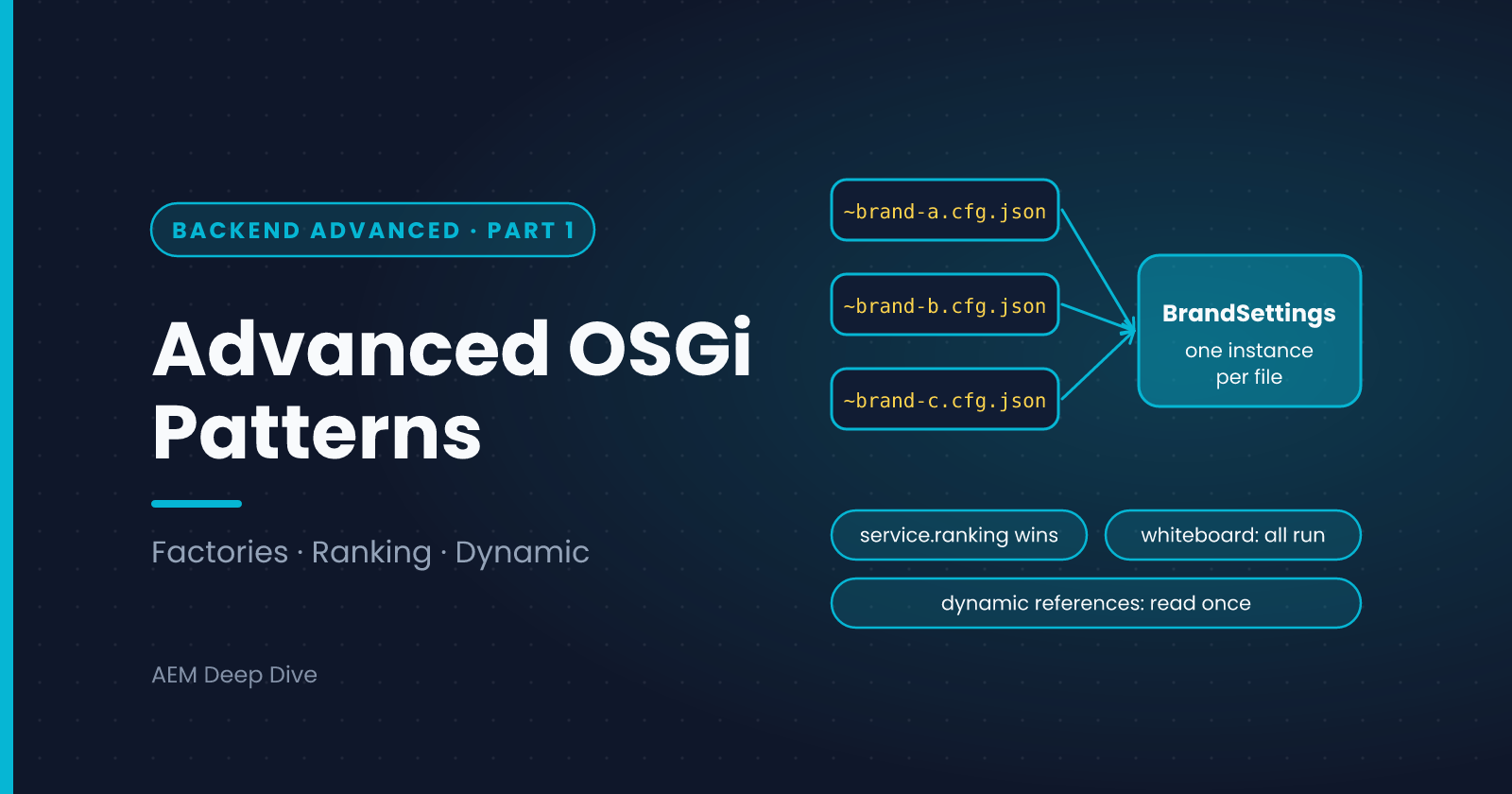
The Essentials series covered one component with one configuration and one service wired to one consumer. Real projects need more: one integration per brand, several handlers that all take part in a request, optional services that come and go. OSGi has patterns for each, and they're the foundation for the rest of this series. This post covers factory configurations, multiple implementations with ranking, and dynamic references, with their differences between AEM as a Cloud Service and 6.5.
Factory Configurations: One Component, Many Instances
A normal configuration creates one component instance. A factory configuration creates one instance per configuration file. Use it when "the same thing" must exist several times with different settings, for example one API connection per brand.
Define the component as a factory:
@ObjectClassDefinition(name = "My Project - Brand Settings")
public @interface BrandConfig {
    @AttributeDefinition(name = "Brand ID")
    String brandId();

    @AttributeDefinition(name = "API base URL")
    String apiBaseUrl();
}
@Component(service = BrandSettings.class, configurationPolicy = ConfigurationPolicy.REQUIRE)
@Designate(ocd = BrandConfig.class, factory = true)
public class BrandSettingsImpl implements BrandSettings {

    private volatile BrandConfig config;

    @Activate
    @Modified
    protected void activate(BrandConfig config) {
        this.config = config;
    }

    public String brandId() { return config.brandId(); }
    public String apiBaseUrl() { return config.apiBaseUrl(); }
}
Then add one file per brand. The part after the tilde is just an instance name:
com.myproject.core.services.BrandSettingsImpl~brand-a.cfg.json
com.myproject.core.services.BrandSettingsImpl~brand-b.cfg.json
{ "brandId": "brand-a", "apiBaseUrl": "https://a.example.com/api" }
ConfigurationPolicy.REQUIRE means no configuration, no instance. That is exactly what you want: adding a brand is adding a file, with no code change.
You can put different instances in different run-mode folders (for example a test brand only in config.dev), which is how you keep test data out of Production.
Multiple Implementations: The Whiteboard Pattern
Often several components implement the same interface and all should take part, such as a set of validators, exporters or content processors. Instead of one consumer listing them by name, the consumer asks OSGi for all of them:
public interface ContentProcessor {
    int priority();
    void process(Resource resource);
}
@Component(service = ProcessingPipeline.class)
public class ProcessingPipeline {

    private final List<ContentProcessor> processors = new CopyOnWriteArrayList<>();

    @Reference(cardinality = ReferenceCardinality.MULTIPLE,
               policy = ReferencePolicy.DYNAMIC,
               policyOption = ReferencePolicyOption.GREEDY)
    protected void bindProcessor(ContentProcessor processor) {
        processors.add(processor);
    }

    protected void unbindProcessor(ContentProcessor processor) {
        processors.remove(processor);
    }

    public void run(Resource resource) {
        processors.stream()
                .sorted(Comparator.comparingInt(ContentProcessor::priority))
                .forEach(p -> p.process(resource));
    }
}
Every ContentProcessor service that appears gets passed to bindProcessor, and every one that goes away is passed to unbindProcessor. New processors in other bundles are picked up without changing the pipeline.
Points to notice:
MULTIPLE+DYNAMICmeans the pipeline keeps running as processors come and goGREEDYmeans a processor that appears later is still bound, rather than ignoredCopyOnWriteArrayListmakes iteration safe while another thread binds or unbinds- The sort gives you a stable order, using your own priority value
Service Ranking: Choosing One Winner
If a consumer needs just one implementation and several exist, OSGi chooses by service.ranking (highest wins; the default is 0). That lets a project override a default implementation without editing it:
@Component(service = PriceService.class, property = {"service.ranking:Integer=100"})
public class ProjectPriceService implements PriceService { ... }
Use ranking for overrides. Use the whiteboard pattern when all implementations should run.
Dynamic References and Safe Access
A static reference restarts your component when the service changes. A dynamic one keeps it running but means the service can vanish at any moment. The safe habits are:
- Mark the field
volatile - Read it once into a local variable, then test and use that
- Never keep a service in a long-lived static or cache
- Do any cleanup for a vanished service in
unbind
@Reference(cardinality = ReferenceCardinality.OPTIONAL, policy = ReferencePolicy.DYNAMIC)
private volatile NotificationService notifier;

void tellSomeone(String message) {
    NotificationService n = notifier;
    if (n != null) {
        n.send(message);
    }
}
Component Property Types
Instead of strings in a property = {...} array, you can use typed annotation properties, for example to give a servlet filter its ranking or pattern. They keep the property names checked by the compiler and reduce typos. Use them where your Sling or OSGi libraries provide them.
AEM as a Cloud Service vs 6.5
| Topic | AEM 6.5 | AEM as a Cloud Service |
|---|---|---|
| Factory configs: file naming | .config files use a hyphen in the name, and sling:OsgiConfig nodes can use a hyphen or tilde |
.cfg.json with a tilde: PID~name.cfg.json |
| Adding an instance | Often by hand in the console | By committing a file and deploying |
| Per-environment instances | Custom run modes available | Only author, publish and dev, stage, prod |
| Several Publish instances | You manage them | Publish scales automatically. Your dynamic references must tolerate any instance starting at any time |
| Rolling updates | Planned outage or manual rollout | New and old code run side by side during an update, so a component must tolerate services appearing in any order |
The last point matters. On Cloud Service you can't assume a fixed startup order or that every instance has the same set of services at every instant. That's one more reason to favor dynamic, optional or multiple references wherever a missing service shouldn't break the feature.
Common Pitfalls
- Factory component never appears. No configuration file for that run mode, or the file's PID is wrong
- All instances get the same values. The files share an instance name, so they overwrite each other. Give each a unique name after the tilde
ConcurrentModificationExceptionwhen iterating a dynamic list. Use a copy-on-write collection- A cached service becomes invalid. Don't store dynamic services in statics
- Order depends on startup timing. Sort explicitly, and don't rely on the order of binding
What's Next
Services and components cover how your code is built. Next we look at how it hooks into requests and content changes: Sling filters and resource change listeners.
Next in this series: [Sling Filters and Resource Change Listeners]
About the author
- AEM Technical Lead experienced with building and architecting solutions on AEM Sites and Assets. Sharing practical tutorials, real-world implementation lessons, and best practices to help fellow developers and leads navigate AEM.
Comments
Join the discussionWhere have factory configurations or the whiteboard pattern saved you work, for example one connection per brand or a set of pluggable processors? Share your use case.
AEM Backend Advanced
Factory configurations, filters and listeners, jobs, workflows, integrations, security and Cloud-ready code for AEM as a Cloud Service, with 6.5 differences.